Seedream 5.5 API
2026 年 11 月 9 日に公開された ByteDance の最新画像モデル。同じ画像を 100 回編集しても触れていない部分は崩れず、透過 PNG を直接生成し、写真の質感や小さな文字もより本物に近く。
- 1K
- APIMart $0.0182 / 枚
- 2K
- APIMart $0.028 / 枚

Seedream 5.5 API の料金
1K または 2K で 1 枚ごとの料金です。編集では参照画像 1 枚ごとに少額の料金が加わります。BytePlus は Seedream 5.5 の公式料金をまだ公表していません

デフォルトでは、条件を満たすチャネルのうち推定価格が最も低いものにジョブを送ります。試行が失敗と確認されると、max_cost の範囲内で別のチャネルに切り替えて再試行します。リクエストにルーティングパラメータは不要です。 ルーティングとフェイルオーバーのドキュメント
料金の注記
実際にジョブを実行したチャネルの価格で請求されます。フェイルオーバーでチャネルが切り替わると、コストや所要時間が変わる場合があります。
Seedream 5.0 Pro からの進化点
100 回の編集でも安定
触れていない部分はピクセル単位で保たれ色ずれもなく、同じ画像を磨き続けられる
透過 PNG で切り抜き不要
プロンプトや参照画像から完全透過・半透過の素材を直接生成、切り抜き不要(Yir の API では未提供)
より本物の写真に近く
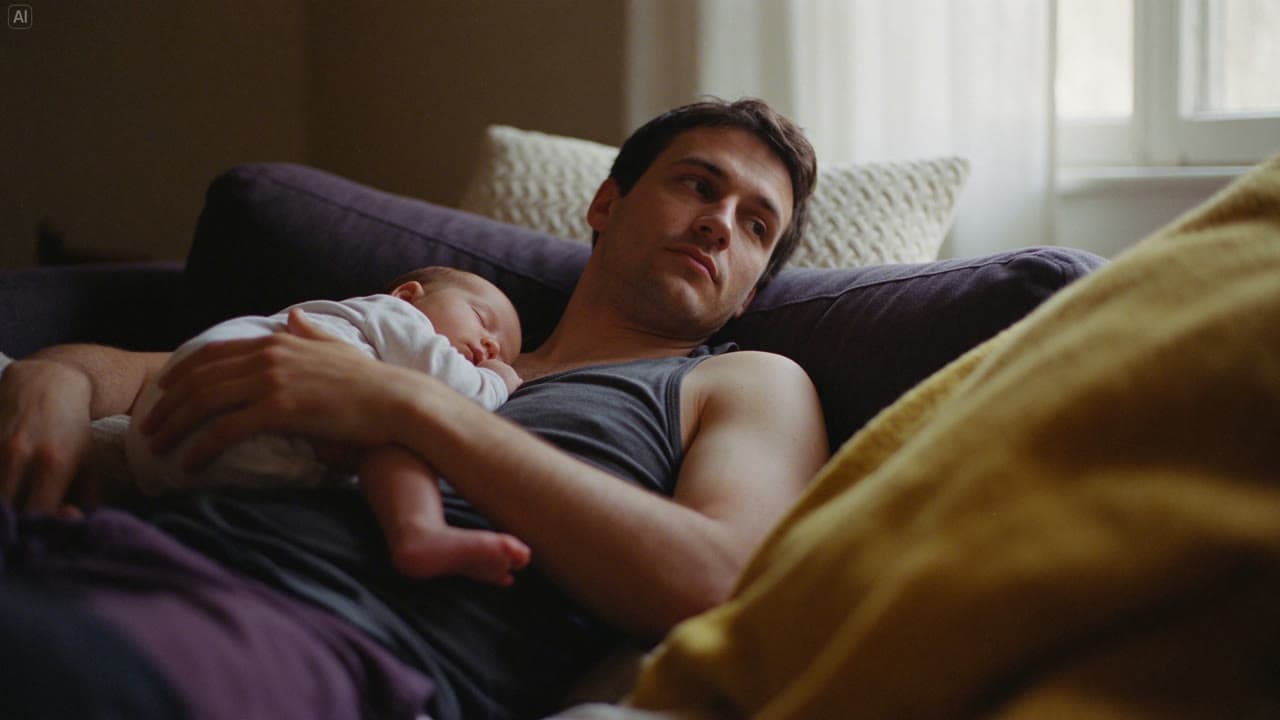
光と肌がより自然でテカリが減少。ByteDance の評価で画像編集のリアルさは 5.0 Pro 比 55.62% 向上
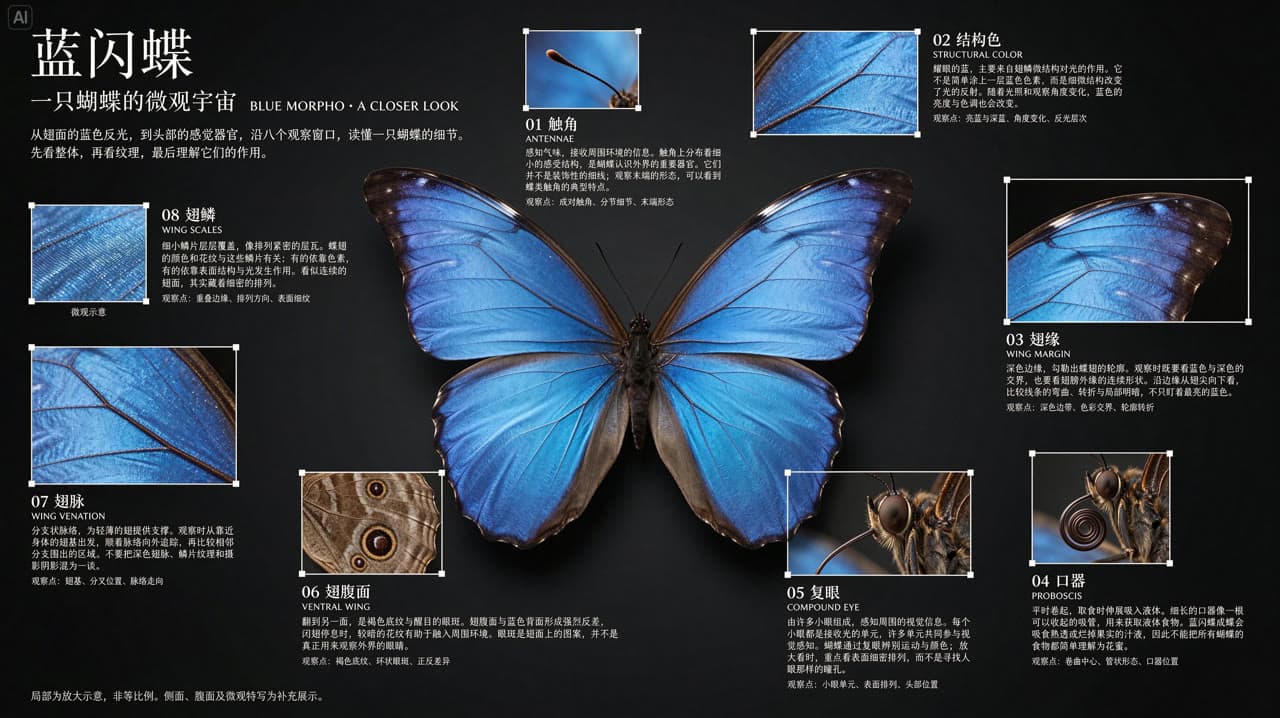
密集した小さな文字も読める
ByteDance のテストで文字の重大なエラーは 0.4%。密集した中国語の小さな文字も読める
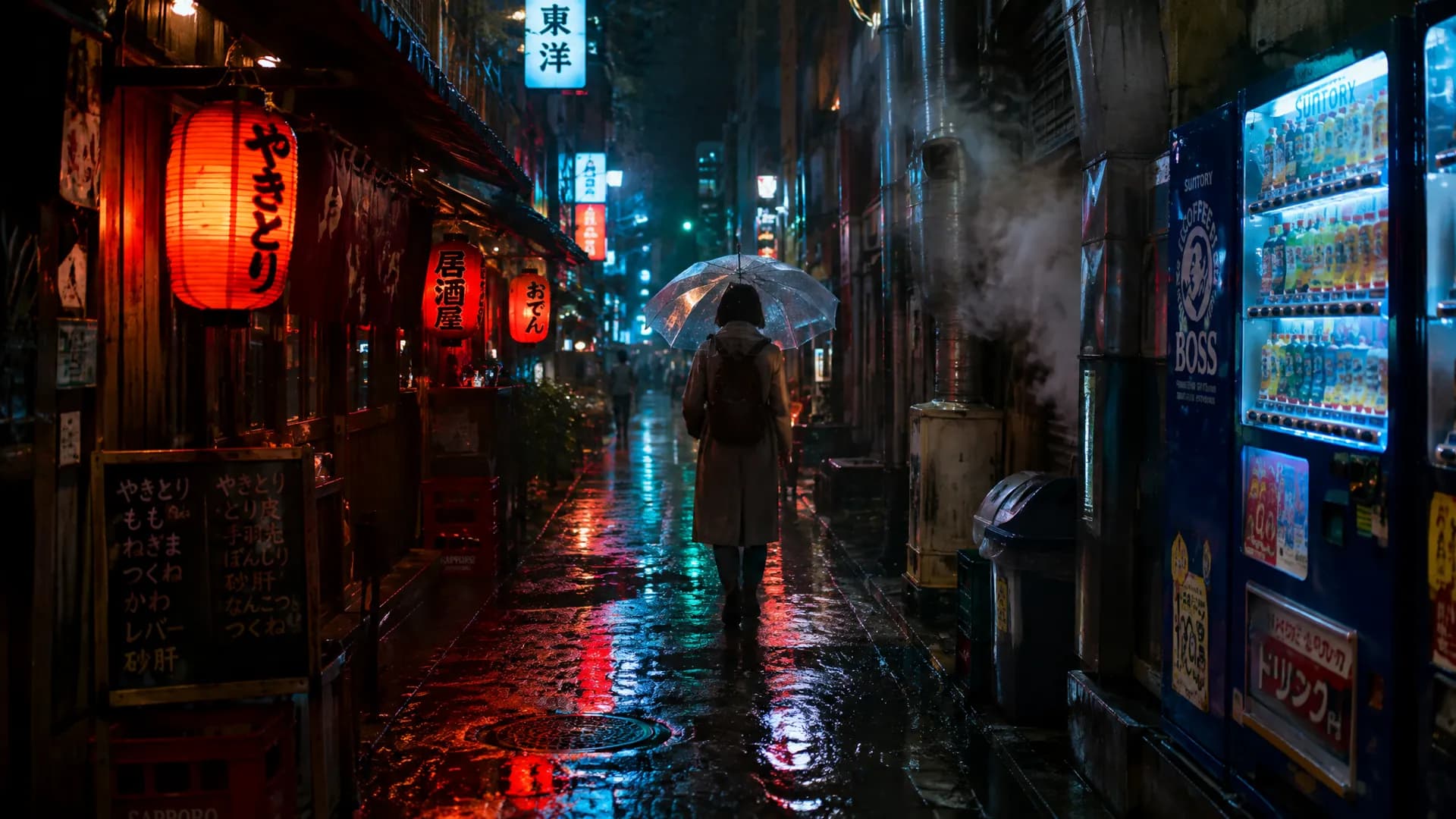
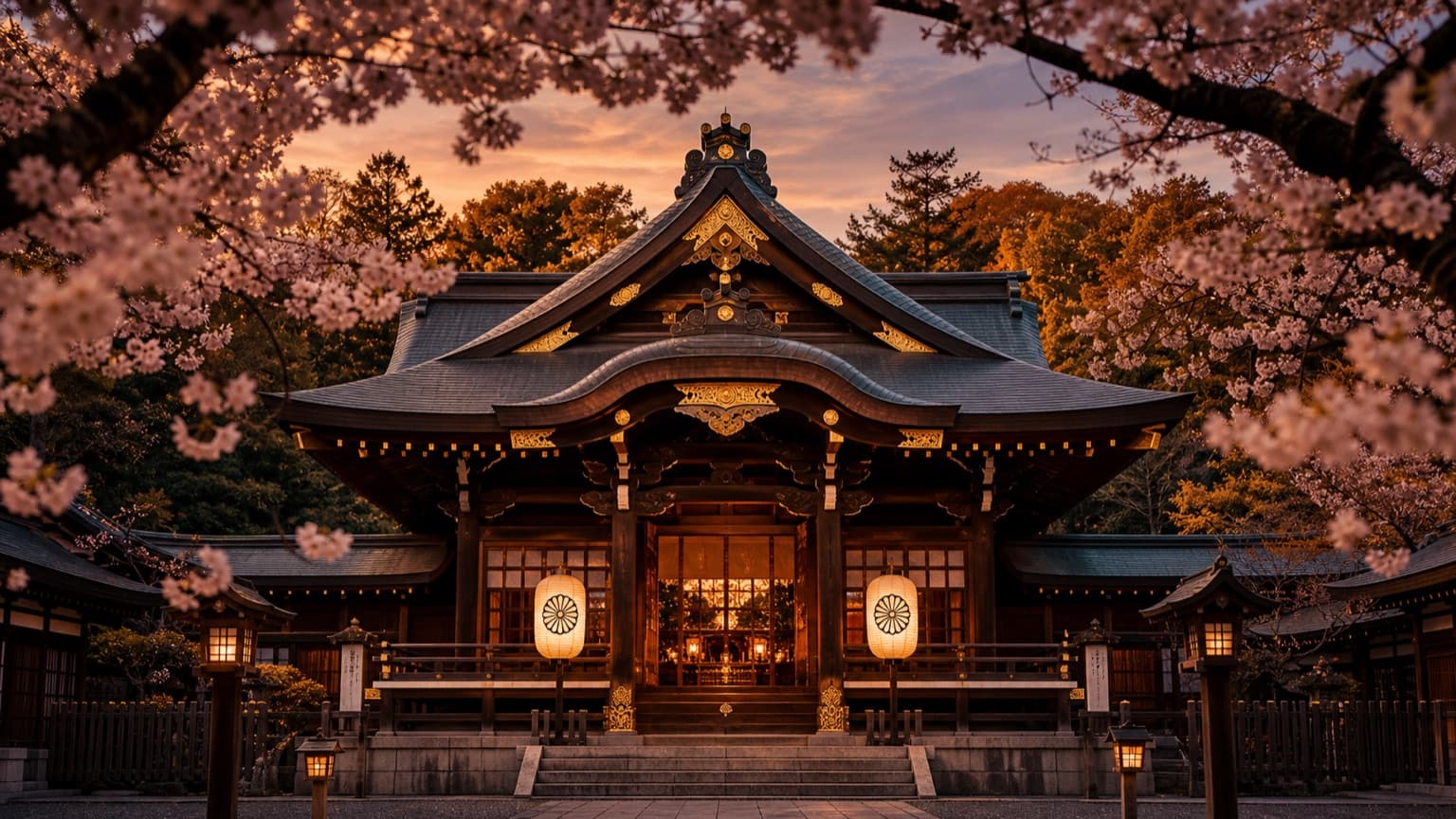
生成サンプル
サンプルはすべて ByteDance Seed が公開した Seedream 5.5 の素材で、元のプロンプト付き。リサイズと圧縮のみ行っています
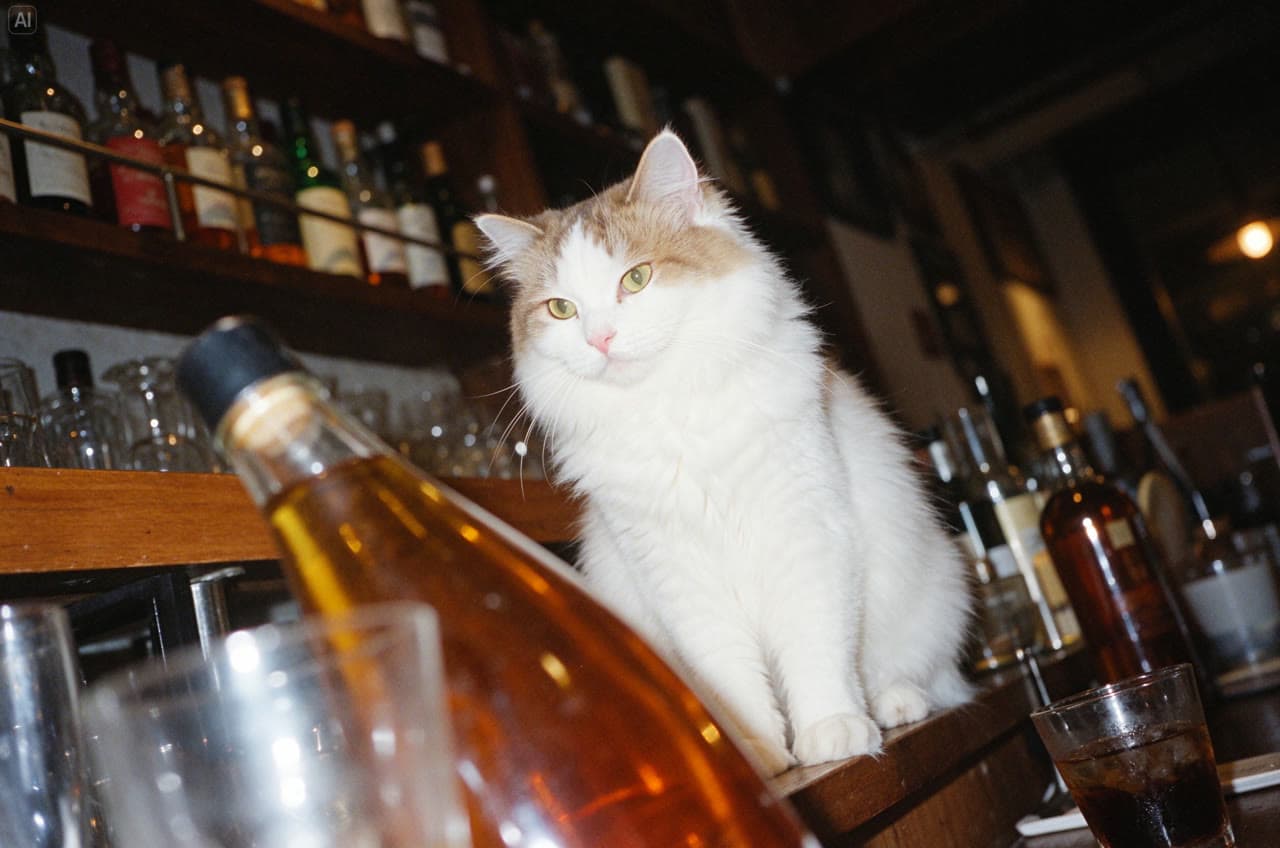
バーの白猫 プロンプト
A white cat sits elegantly among bottles and glasses in a bar at night. Shoot from a low angle with a tilted composition, using flash, Fujifilm Provia colors and film grain. Capture dappled light, bright highlights and crisp detail for a vintage photographic feel.
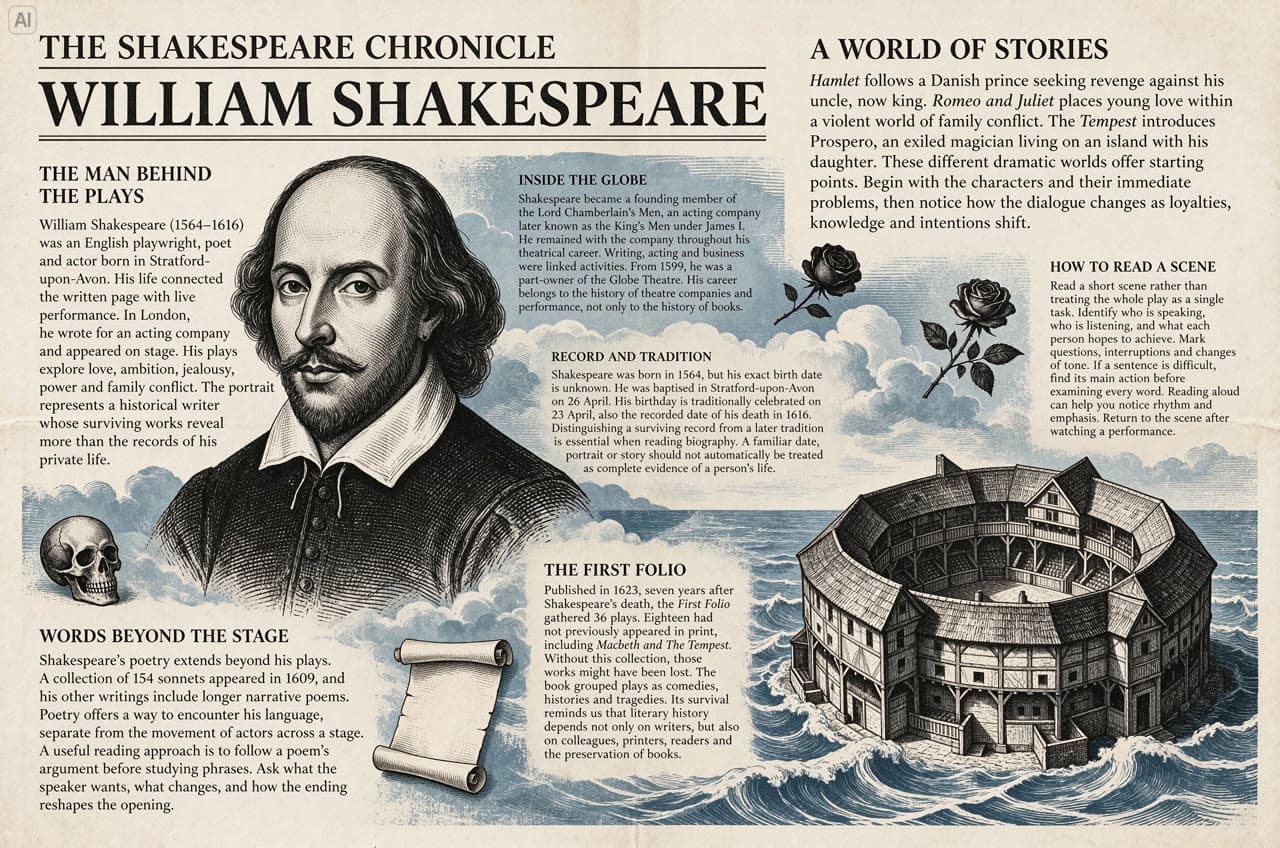
シェイクスピアの新聞紙面 透過キャラクター素材の再利用 フラワーデザインを何度も編集 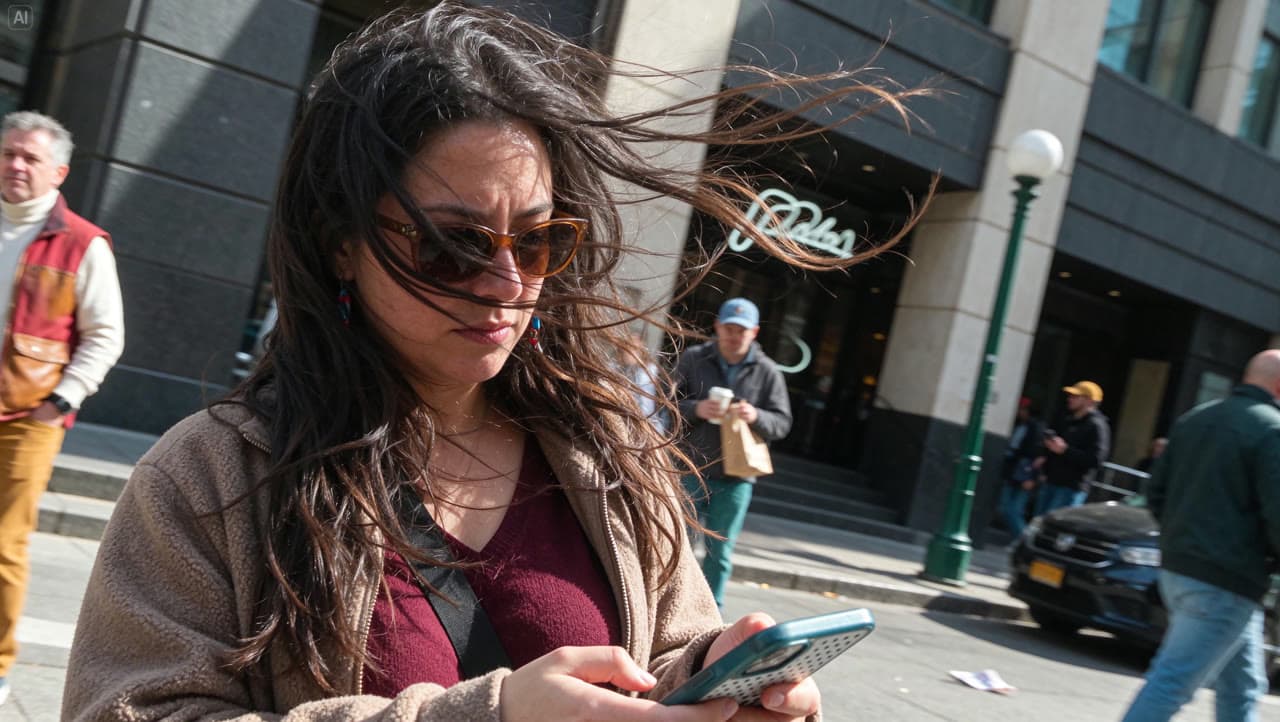
強風の街角スナップ プロンプト
A candid horizontal street photograph of a long-haired woman in a burgundy top and light brown jacket looking down at her phone. Strong wind sweeps her hair across her sunglasses and face. The entire frame tilts about 25 degrees clockwise, with consistent perspective across the figure, buildings, lamppost and pavement. Natural clothing folds, hurried framing and asymmetric cropping create an unposed everyday moment.
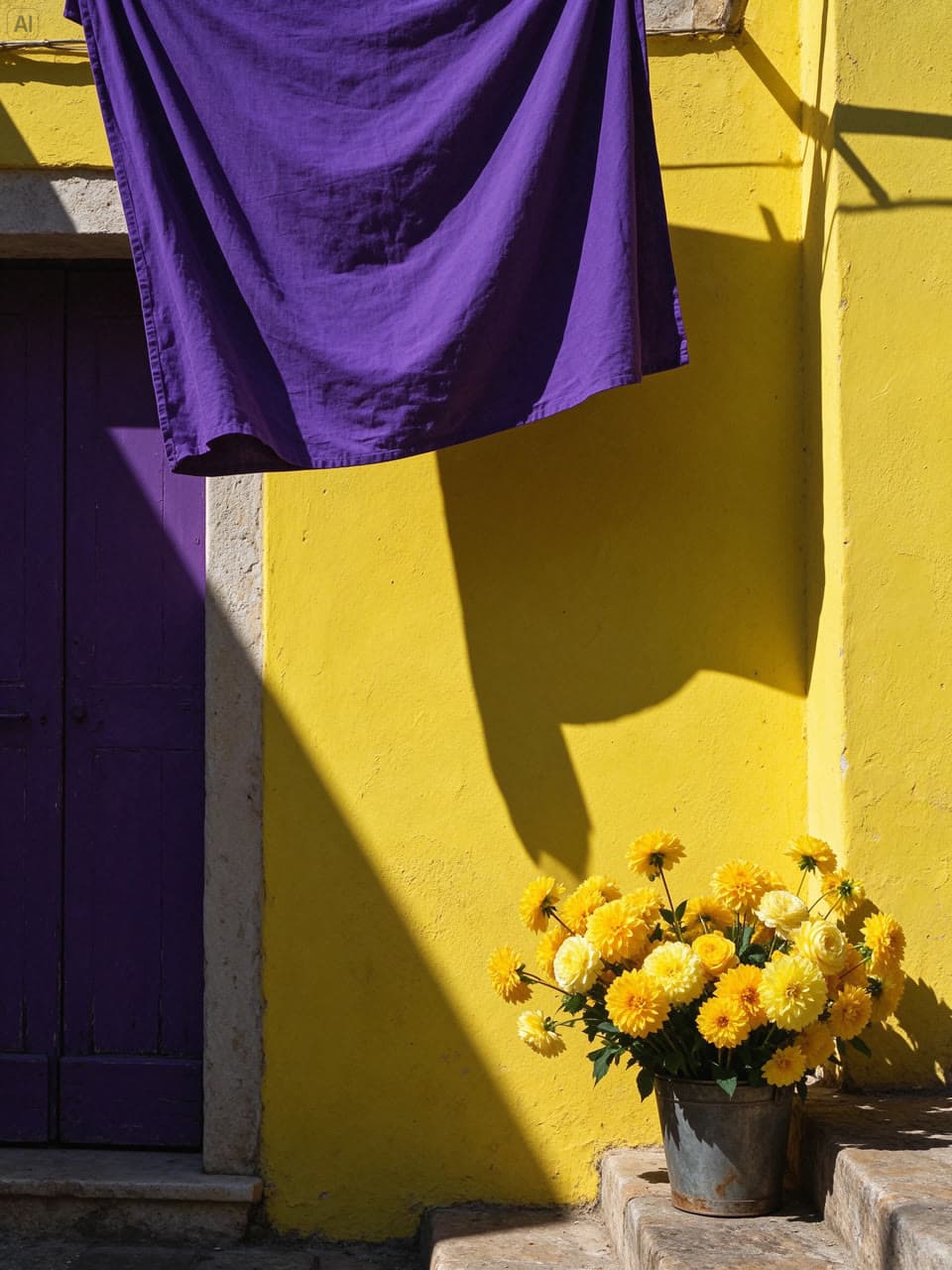
南欧の街角 プロンプト
A vertical 3:4 street photograph of a southern European corner. A lemon-yellow limewashed wall, an old deep-purple wooden door and hanging royal-purple linen form a bold geometric composition. Golden flowers fill a weathered metal bucket at the lower right. Strong afternoon sunlight casts crisp shadows, revealing textured plaster, fabric folds, rust and layered petals in vivid complementary purple and yellow.
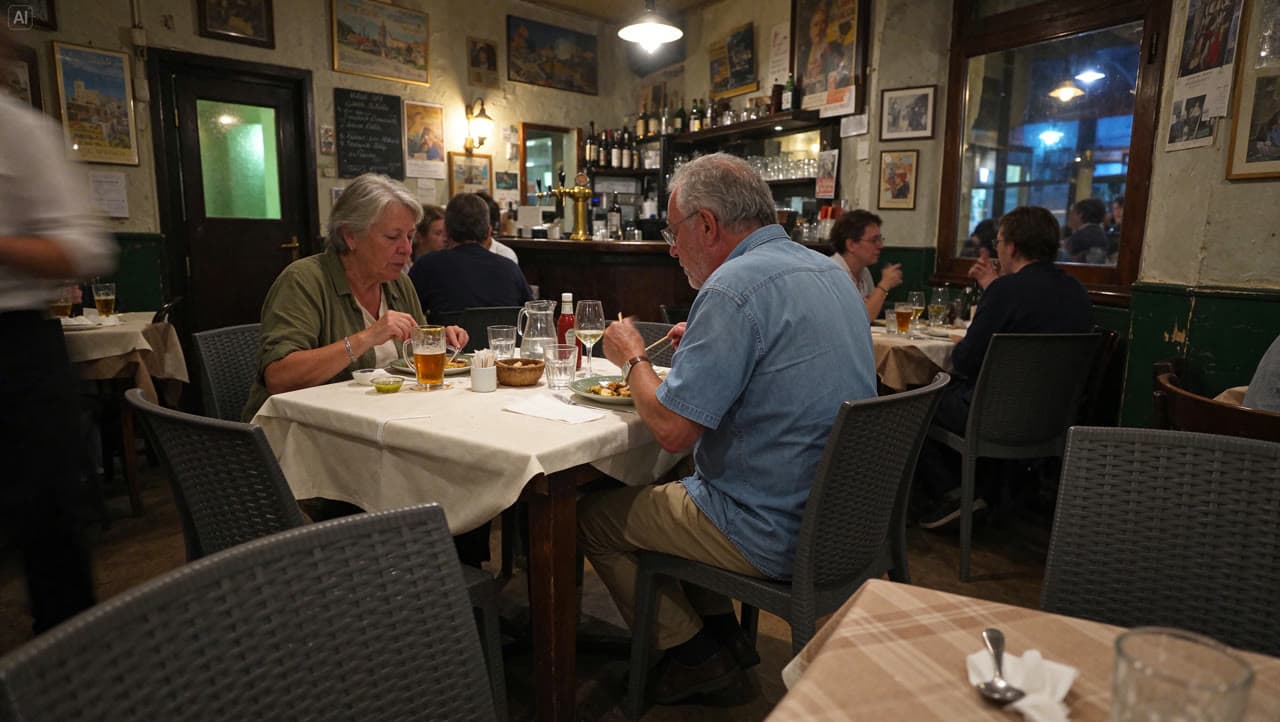
夏の夜のビストロ プロンプト
A candid horizontal snapshot inside a neighborhood bistro in Europe on a summer evening. Two older diners eat naturally at a table covered with cream linen, unaware of the camera. Glasses, cutlery, breadcrumbs and worn wooden furniture show everyday use. Warm pendant lights mix with traces of cool evening light. Slight underexposure, subtle high-ISO grain and foreground occlusion create an intimate, spontaneous atmosphere.
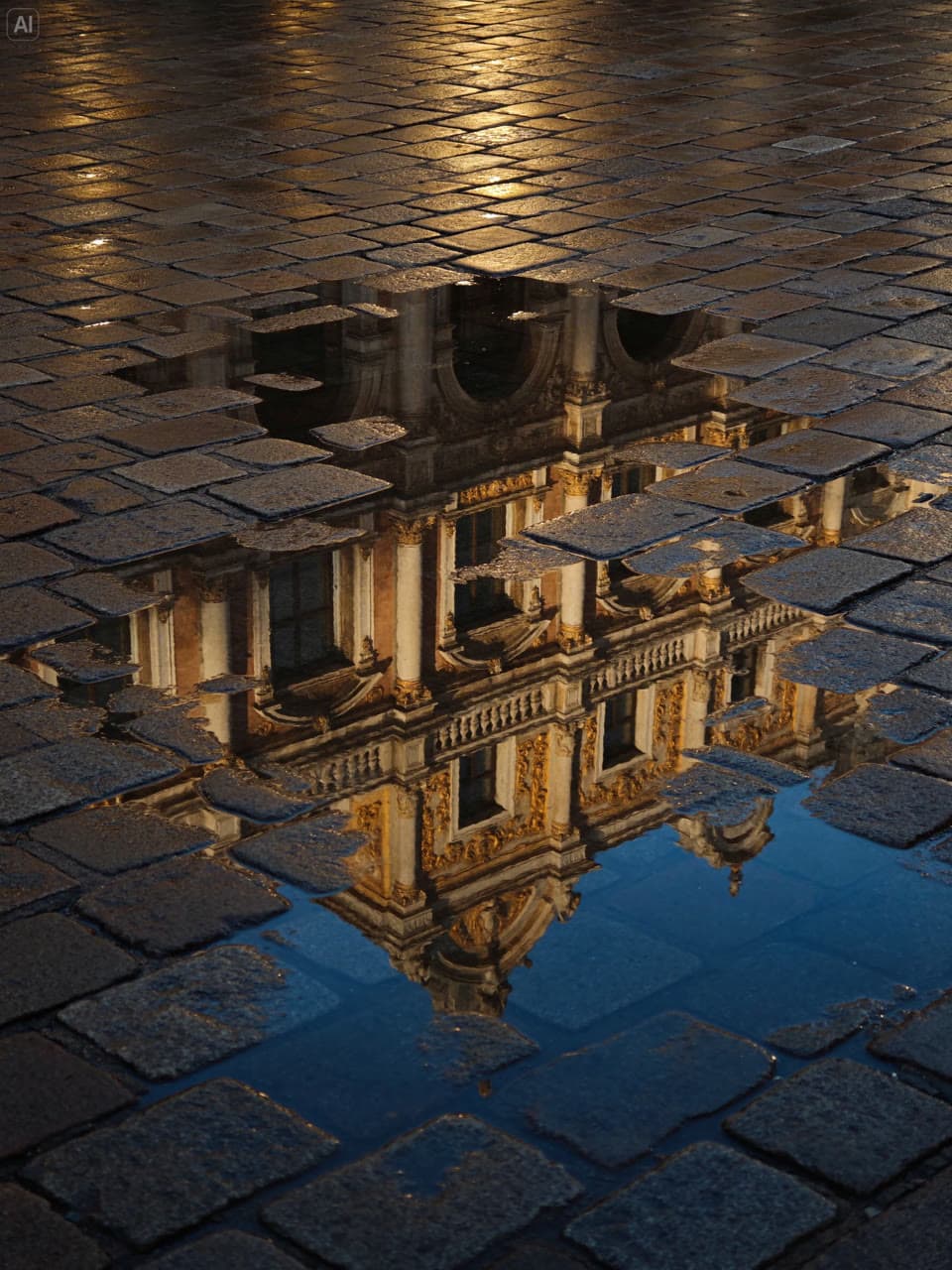
雨上がりの水たまりの反射 プロンプト
A vertical 3:4 street photograph after rain, taken from a low angle looking down at wet paving stones and irregular puddles. Reflections of an old building’s golden carvings, window frames and colonnades are fragmented by exposed stones, puddle edges and ripples. Warm golden light contrasts with deep-blue reflections, preserving worn joints and wet surface textures. No full building, people or vehicles appear.
API を使う
コーディングエージェントにコードを任せる、MCP や Skill で会話の中で生成する、または SDK・OpenAI 互換 API で自分で組み込めます。
コーディングエージェントに組み込ませる
組み込み用プロンプトをコピーするか、Codex や Claude で直接開いてください。エージェントがこのページとモデル仕様を読み、送信・待機・結果処理をプロジェクトに書き込みます。
Yir MCP サーバーを追加
ChatGPT、Claude、Cursor に接続し、会話で @Yir と Seedream 5.5 を指名します。先に料金を提示し、確認してから生成します。
https://gateway.yir.ai/mcpClaude Code はコマンド 1 行
コンソールで API キーを作成して YIR_API_KEY に設定し、次を実行します:
claude mcp add --transport http yir https://gateway.yir.ai/mcp --header "Authorization: Bearer $YIR_API_KEY"Yir Skill をインストール
エージェントの実行環境に YIR_API_KEY を設定し、Claude Code、Codex などに追加したら、「Yir の Seedream 5.5 で…を作って」と頼むだけです。
npx skills add yir-ai/skillsパッケージマネージャーで公式 SDK をインストールするか、下のコードスニペットをコピーして始めましょう
| import { createNodeYirClient } from "@yir-ai/sdk/server"; |
| // デフォルトでは環境変数から YIR_API_KEY を読み込みます: process.env.YIR_API_KEY |
| const client = createNodeYirClient(); |
| // 1. 画像生成ジョブを送信 |
| const job = await client.submitImage({ |
| model: "bytedance/seedream-5.5", |
| input: { |
| type: "text", |
| prompt: "柑橘系スパークリングウォーターの商品ポスターを作成。透明なガラス瓶と新鮮なオレンジ、クリーム色の背景、柔らかな自然光、くっきりした商品ラベル", |
| }, |
| parameters: { |
| resolution: "1K", |
| aspect_ratio: "1:1", |
| n: 1, |
| }, |
| }); |
| // 2. ジョブの完了と結果の納品を待機 |
| const result = await client.waitForJob(job.id); |
| console.log("納品ファイル:", result.result); |
| if (result.result && "files" in result.result) { |
| for (const file of result.result.files) { |
| console.log("->", file.url); |
| } |
| } |
OpenAI プロトコルを使っているプロジェクトや new-api などのゲートウェイなら、Base URL とキーを変えるだけです。 OpenAI 互換ガイド
- OpenAI SDK の base_url
https://gateway.yir.ai/openai/v1- new-api のチャネル Base URL
https://gateway.yir.ai/openai- キー
- Yir の API Key
- モデル ID
bytedance/seedream-5.5
curl https://gateway.yir.ai/openai/v1/images/generations \
  -H "Authorization: Bearer $YIR_API_KEY" \
  -H "Content-Type: application/json" \
  -d '{
    "model": "bytedance/seedream-5.5",
    "prompt": "柑橘系スパークリングウォーターの商品ポスターを作成。透明なガラス瓶と新鮮なオレンジ、クリーム色の背景、柔らかな自然光、くっきりした商品ラベル",
    "resolution": "1K",
    "aspect_ratio": "1:1"
}'パラメータの概要
よく使うパラメータです。上限は現在のモデルと選択したチャネルによって異なります
- 解像度 resolution
- 1K
- 2K
出力解像度の段階です。高解像度ほど精細になり、価格もそれに応じて上がります
- アスペクト比 aspect_ratio
- 1:1
- 4:3
- 3:4
- 16:9
- 9:16
- 3:2
- 2:3
- 2:1
- 1:2
- 21:9
画面の縦横比です。用途(縦長、バナー、正方形)に合わせて選んでください
- 入力モード input_mode
- テキスト入力
- 画像入力
参照の上限と形式はモデルと選択したチャネルによって異なります
- 参照素材 references
- reference_image ≤ 10
入力方式ごとの参照上限は選択したチャネルによって異なります。料金表の枚数は計算例であり、入力上限や無料枠ではありません。