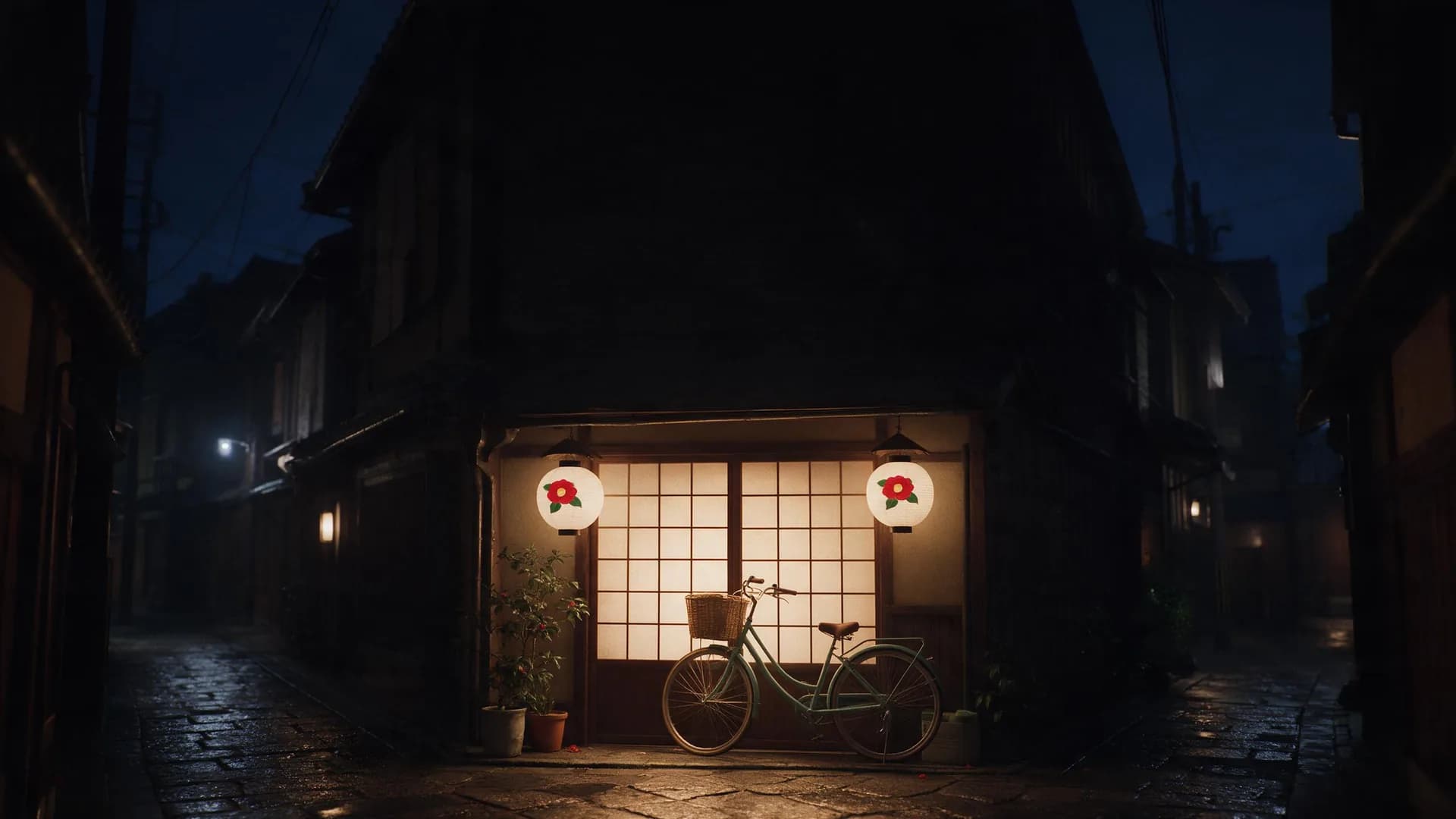


Flare (Standard)
OpenAI image model for everyday generation and fast iteration
- Model ID
openai/gpt-image-2.5-flare- Resolution
- 1K / 2K / 4K
- Input mode
- Text input · Image input
Compare public channel prices for the same output specification
| Output specification | Providers | Published provider price | Typical time | Try it Official reference quality |
|---|---|---|---|---|
Official reference quality | ||||
1K | OpenAIOfficial | Typical time 15 sec | 15 sec | Try it |
Replicate | $0.0470 / image≈87% more | Reference price only; not available through Yir | ||
WaveSpeedAI | $0.0240 / image | Reference price only; not available through Yir | ||
APIMart · Standard | Typical time 18 sec | 18 sec | Try it | |
PackyAPI | Typical time 19 sec | 19 sec | Try it | |
KIE | $0.0150 / image≈40% less Typical time 1.2 min | 1.2 min | Try it | |
Higgsfield App | ≈$0.0150 / image≈40% less | Reference price only; not available through Yir | ||
APIMart · Special | $0.0085 / image≈66% less Typical time 44 sec | 44 sec | Try it | |
2K | OpenAIOfficial | Typical time 26 sec | 26 sec | Try it |
KIE | $0.0500 / image≈29% more Typical time 50 sec | 50 sec | Try it | |
Replicate | $0.0470 / image≈21% more | Reference price only; not available through Yir | ||
WaveSpeedAI | $0.0400 / image≈3% more | Reference price only; not available through Yir | ||
APIMart · Standard | Typical time 24 sec | 24 sec | Try it | |
APIMart · Special | $0.0300 / image≈23% less Typical time 47 sec | 47 sec | Try it | |
Higgsfield App | ≈$0.0300 / image≈23% less | Reference price only; not available through Yir | ||
PackyAPI | Typical time 23 sec | 23 sec | Try it | |
4K | OpenAIOfficial | Typical time 31 sec | 31 sec | Try it |
KIE | $0.0800 / image≈42% more Typical time 41 sec | 41 sec | Try it | |
WaveSpeedAI | $0.0700 / image≈24% more | Reference price only; not available through Yir | ||
APIMart · Standard | Typical time 33 sec | 33 sec | Try it | |
PackyAPI | Typical time 34 sec | 34 sec | Try it | |
APIMart · Special | $0.0400 / image≈29% less Typical time 55 sec | 55 sec | Try it | |
Higgsfield App | ≈$0.0375 / image≈34% less | Reference price only; not available through Yir | ||
Call GPT Image 2.5 with one model ID and Yir picks the channel for each job from OpenAI, APIMart, KIE, and PackyAPI: it goes to the eligible channel with the lowest estimated price and is billed at that channel's public price, with no markup. If an attempt is confirmed failed, Yir retries on another channel within your max_cost. No routing parameters needed in your request. Routing and fallback docs
Billed by the channel that actually runs the job. Failover may switch channels, which can change cost and time.
Every version uses the same API with its own model ID; see each version’s price table for prices and supported specifications
OpenAI image model for everyday generation and fast iteration
openai/gpt-image-2.5-flareOpenAI image model for precise editing and detailed visual work
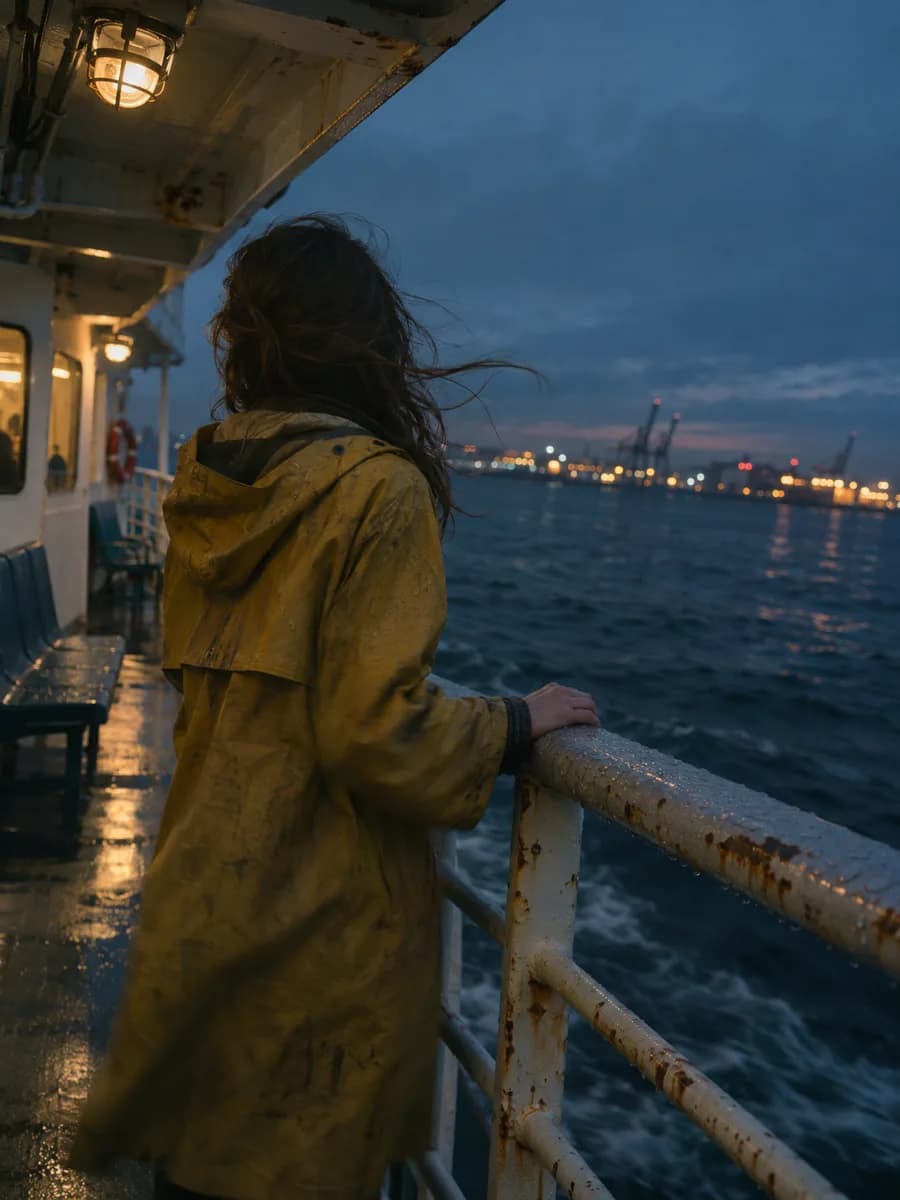
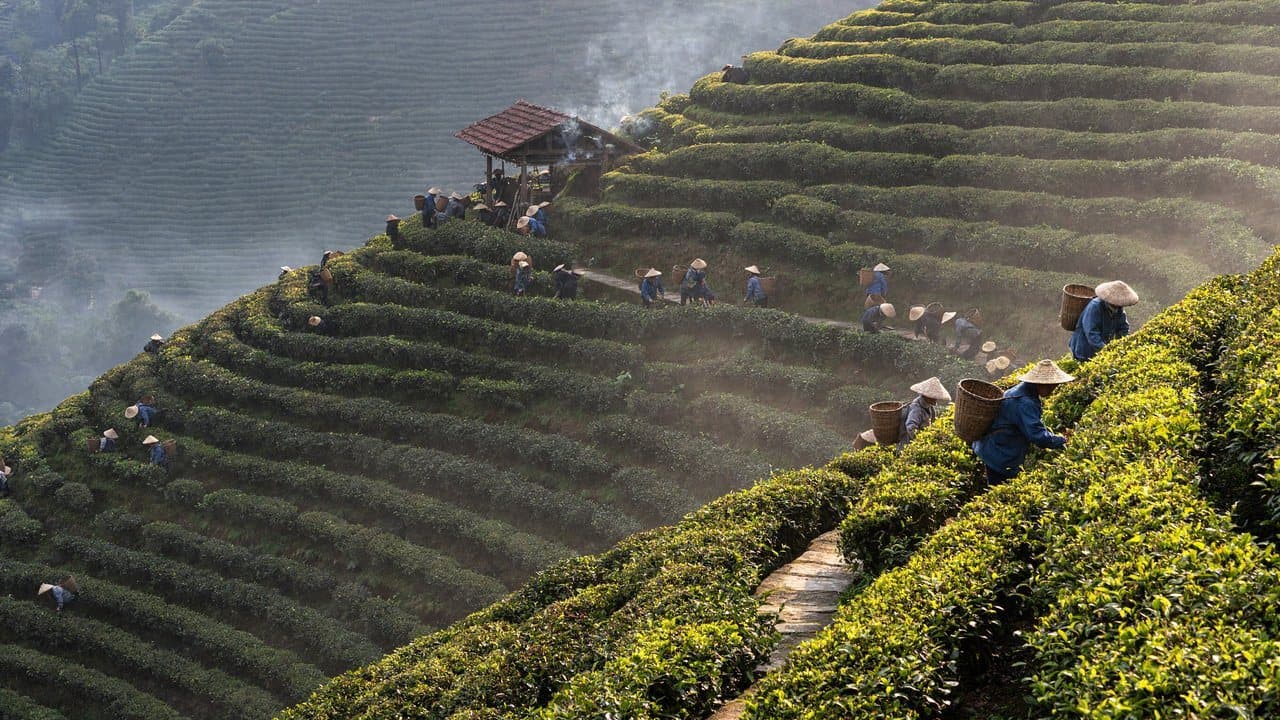
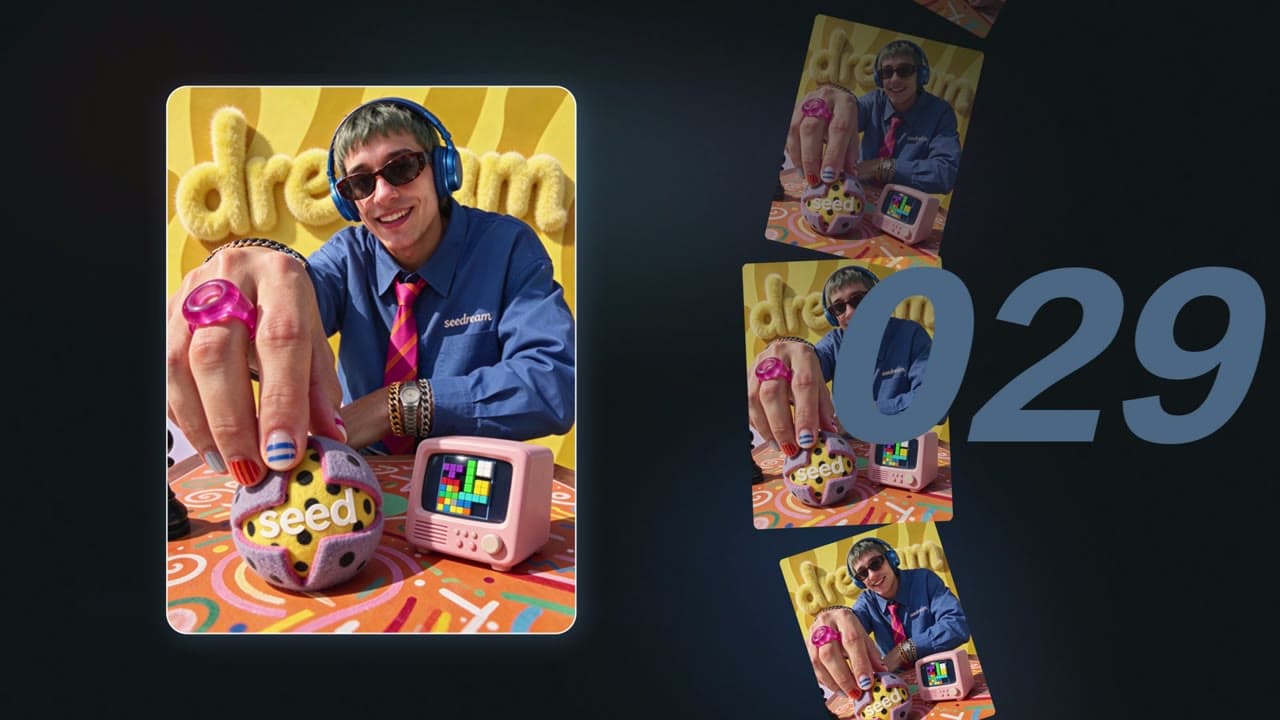
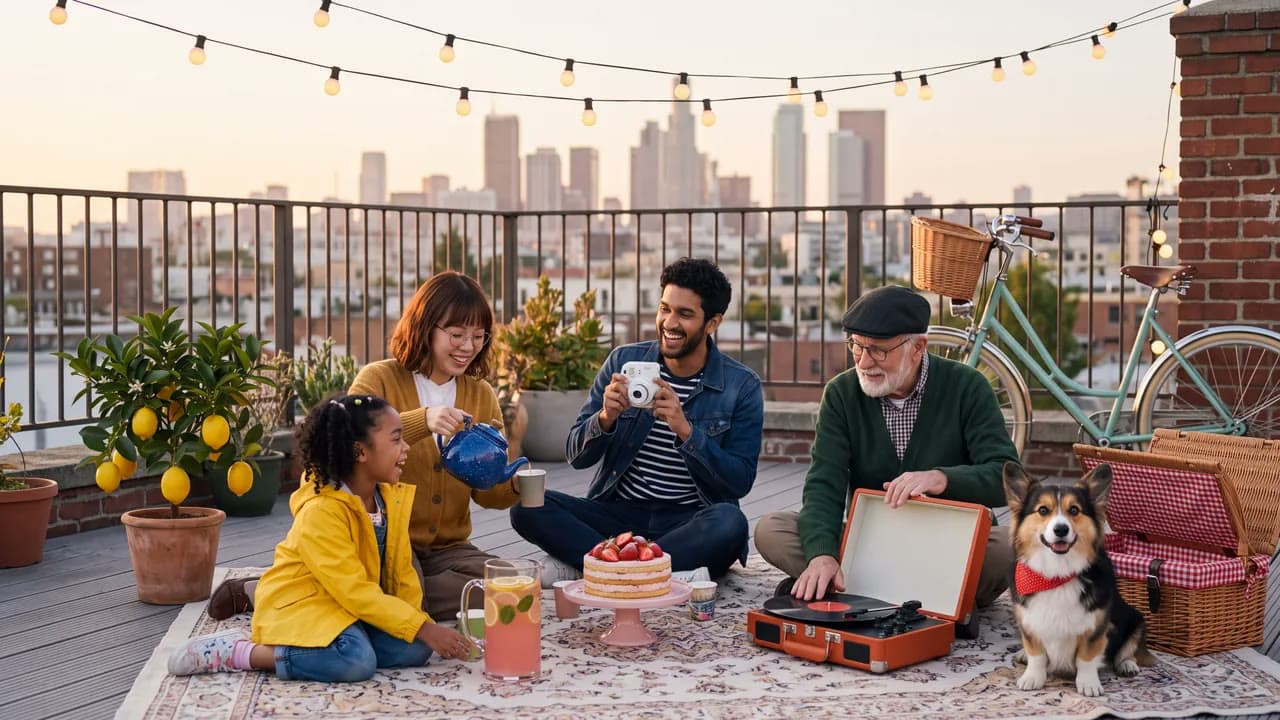
openai/gpt-image-2.5-sunburstEvery image here was generated by GPT Image 2.5. Open one to try its original prompt in the playground
Send the original image and say what to change; the subject, framing and light stay put
The trench coat turns burgundy; the person and street stay put
A cluttered desk becomes a clean studio; the sneaker is untouched
The headline becomes AUTUMN MENU; layout and prices hold
Send up to 16 reference images and describe how to combine them in one sentence
Have the woman from the first image sit cross-legged on a washing machine in the laundromat from the second image, keeping her outfit, camera and expression unchanged
Place this ceramic mug on an oak breakfast table in morning light, filled with hot coffee, keeping the mug's shape and glaze unchanged
Hand the code to a coding agent, generate right in the chat with MCP or the Skill, or integrate yourself with the SDK or the OpenAI-compatible API.
Copy the integration prompt, or open it directly in Codex or Claude. The agent reads this page and the model contract, then writes submit, wait and result handling into your project.
Connect it to ChatGPT, Claude or Cursor, then mention @Yir and ask for GPT Image 2.5 by name. It quotes first and only generates after you confirm.
https://gateway.yir.ai/mcpCreate an API key in the console, set it as YIR_API_KEY, then run:
claude mcp add --transport http yir https://gateway.yir.ai/mcp --header "Authorization: Bearer $YIR_API_KEY"Set YIR_API_KEY where your agent runs, add the Skill to Claude Code, Codex or another coding agent, then say “use GPT Image 2.5 on Yir to make…”.
npx skills add yir-ai/skillsInstall the official SDK with your package manager, or copy the code snippet below to get started
| import { createNodeYirClient } from "@yir-ai/sdk/server"; |
| // Reads YIR_API_KEY from the environment by default: process.env.YIR_API_KEY |
| const client = createNodeYirClient(); |
| // 1. Submit an image generation job |
| const job = await client.submitImage({ |
| model: "openai/gpt-image-2.5-sunburst", |
| input: { |
| type: "text", |
| prompt: "Create a citrus sparkling water product poster: a clear glass bottle and fresh oranges, cream background, soft natural light, and a crisp product label", |
| }, |
| parameters: { |
| quality: "medium", |
| resolution: "1K", |
| aspect_ratio: "auto", |
| n: 1, |
| }, |
| }); |
| // 2. Wait for the job to finish and deliver its result |
| const result = await client.waitForJob(job.id); |
| console.log("Delivered files:", result.result); |
| if (result.result && "files" in result.result) { |
| for (const file of result.result.files) { |
| console.log("->", file.url); |
| } |
| } |
Projects already on the OpenAI protocol, or gateways such as new-api, only need a new Base URL and key. OpenAI compatibility guide
https://gateway.yir.ai/openai/v1https://gateway.yir.ai/openaiopenai/gpt-image-2.5-sunburstcurl https://gateway.yir.ai/openai/v1/images/generations \
-H "Authorization: Bearer $YIR_API_KEY" \
-H "Content-Type: application/json" \
-d '{
"model": "openai/gpt-image-2.5-sunburst",
"prompt": "Create a citrus sparkling water product poster: a clear glass bottle and fresh oranges, cream background, soft natural light, and a crisp product label",
"resolution": "1K",
"aspect_ratio": "auto",
"quality": "medium"
}'Common parameters; limits depend on the current model and selected channel
Output resolution tier. Higher resolutions offer sharper pixel fidelity and scale pricing accordingly
Geometric aspect ratio. Choose according to target medium (portrait, banner, or square)
Reference limits and formats depend on the model and selected channel
Reference limits across input modes depend on the selected channel. Counts in the price table are examples, not input limits or free allowances.
Compare the same spec across providers and call multiple providers from one wallet.
Observed success rate and latency for this model on Yir over the last 30 days, by UTC day. Days with too few jobs are left out.
Success rate excludes failures caused by the request, such as content moderation rejections, invalid parameters and insufficient balance or budget, and counts the result after failover. Latency is end to end, from submission until the result is downloadable, including queueing, upstream generation and delivery. Past results, not a service commitment.