Seedream 5.5 API
ByteDance's newest image model, released November 9, 2026: keep editing the same image for 100 rounds without the untouched areas drifting, generate transparent PNGs directly, and get photos and small text that look closer to real.
- 1K
- APIMart $0.0182 / image
- 2K
- APIMart $0.028 / image

Seedream 5.5 API pricing
Priced per image at 1K or 2K; edits also pay a small fee for each reference image. BytePlus has not published its own Seedream 5.5 price yet

By default Yir sends each job to the eligible channel with the lowest estimated price. If an attempt is confirmed failed, it retries on another channel within your max_cost. No routing parameters needed in your request. Routing and fallback docs
Pricing notes
Billed by the channel that actually runs the job. Failover may switch channels, which can change cost and time.
What Seedream 5.5 adds over Seedream 5.0 Pro
Stable across 100 rounds of edits
Untouched areas stay pixel-identical with no color drift, so you can keep refining one image
Transparent PNGs, no cut-out step
Full and partial transparency straight from a prompt or a reference image, no background removal; not in Yir's API yet
Closer to a real photo
More natural light and skin with less gloss; image-to-image realism 55.62% ahead of 5.0 Pro in ByteDance's ratings
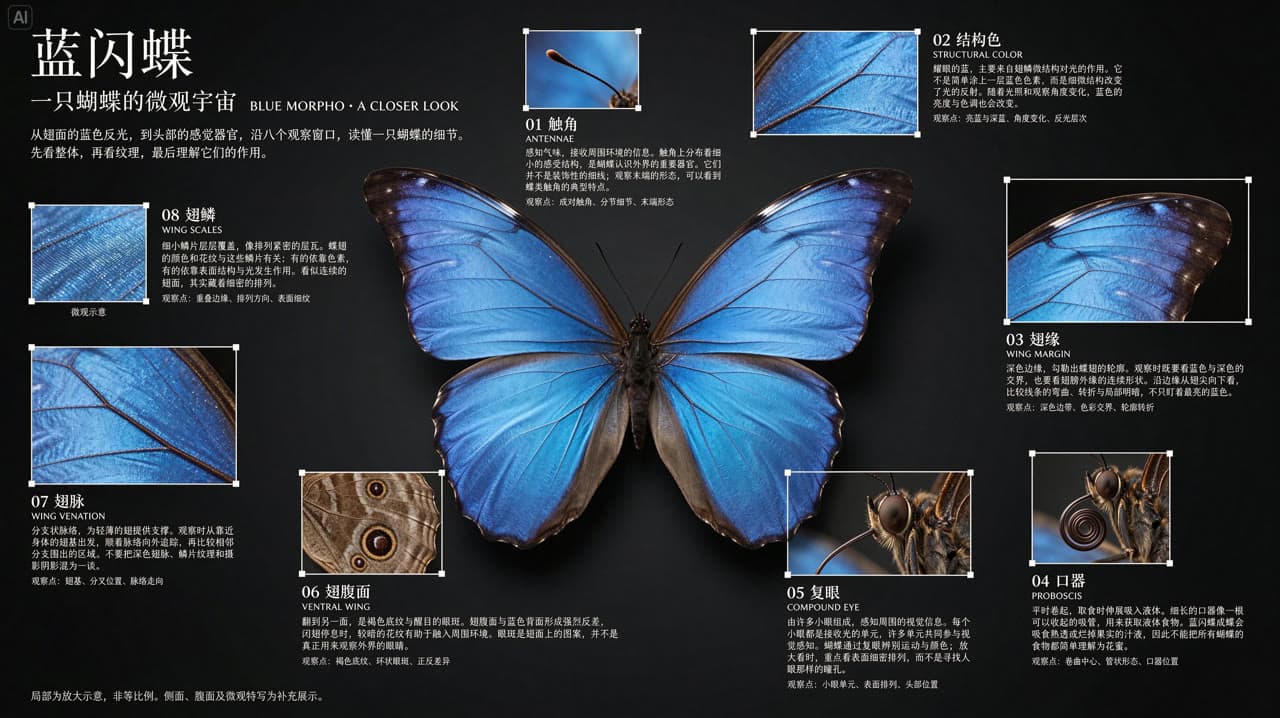
Dense small text stays readable
Severe text errors down to 0.4% in ByteDance's tests, even in dense Chinese captions
Sample generations
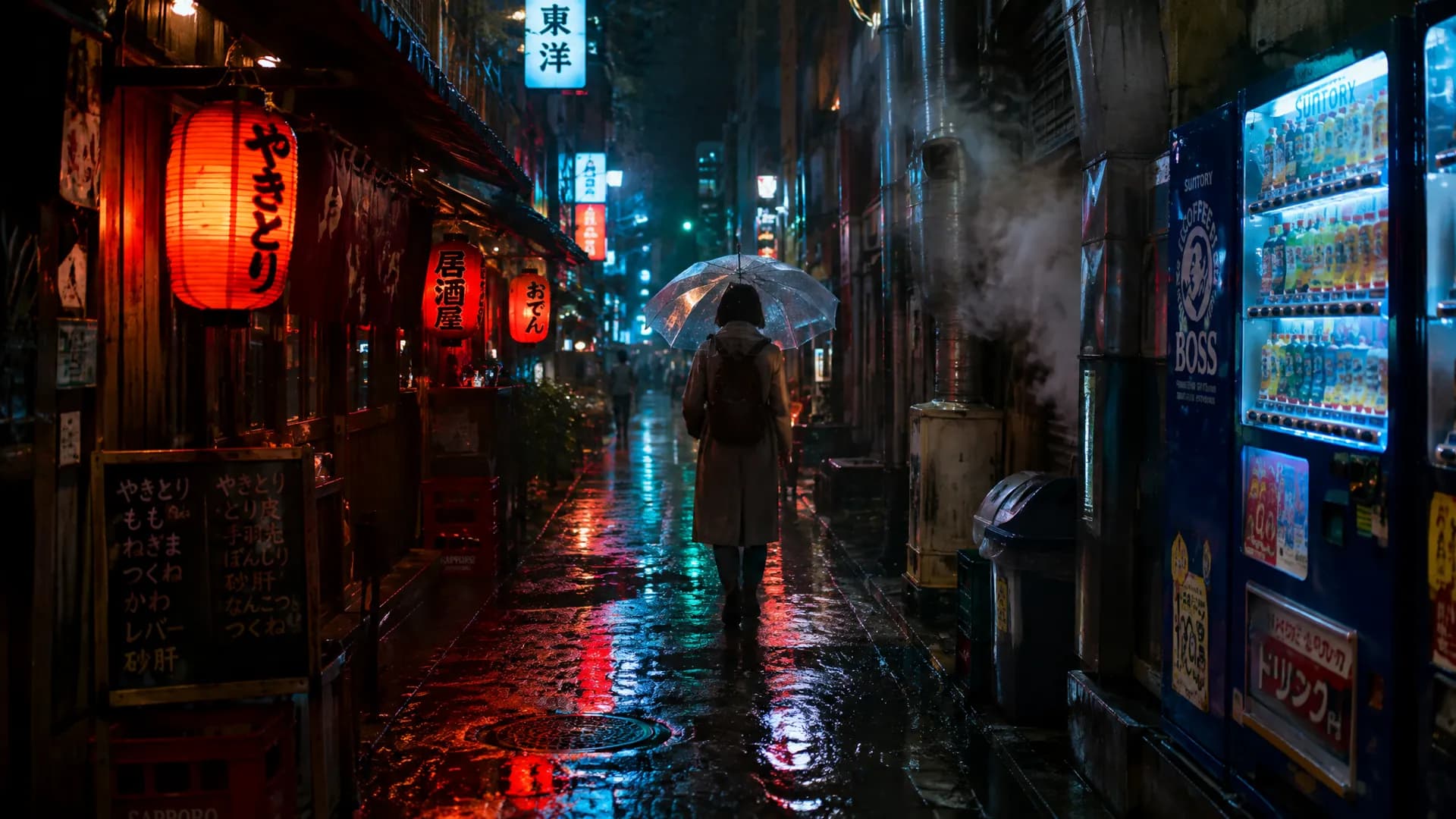
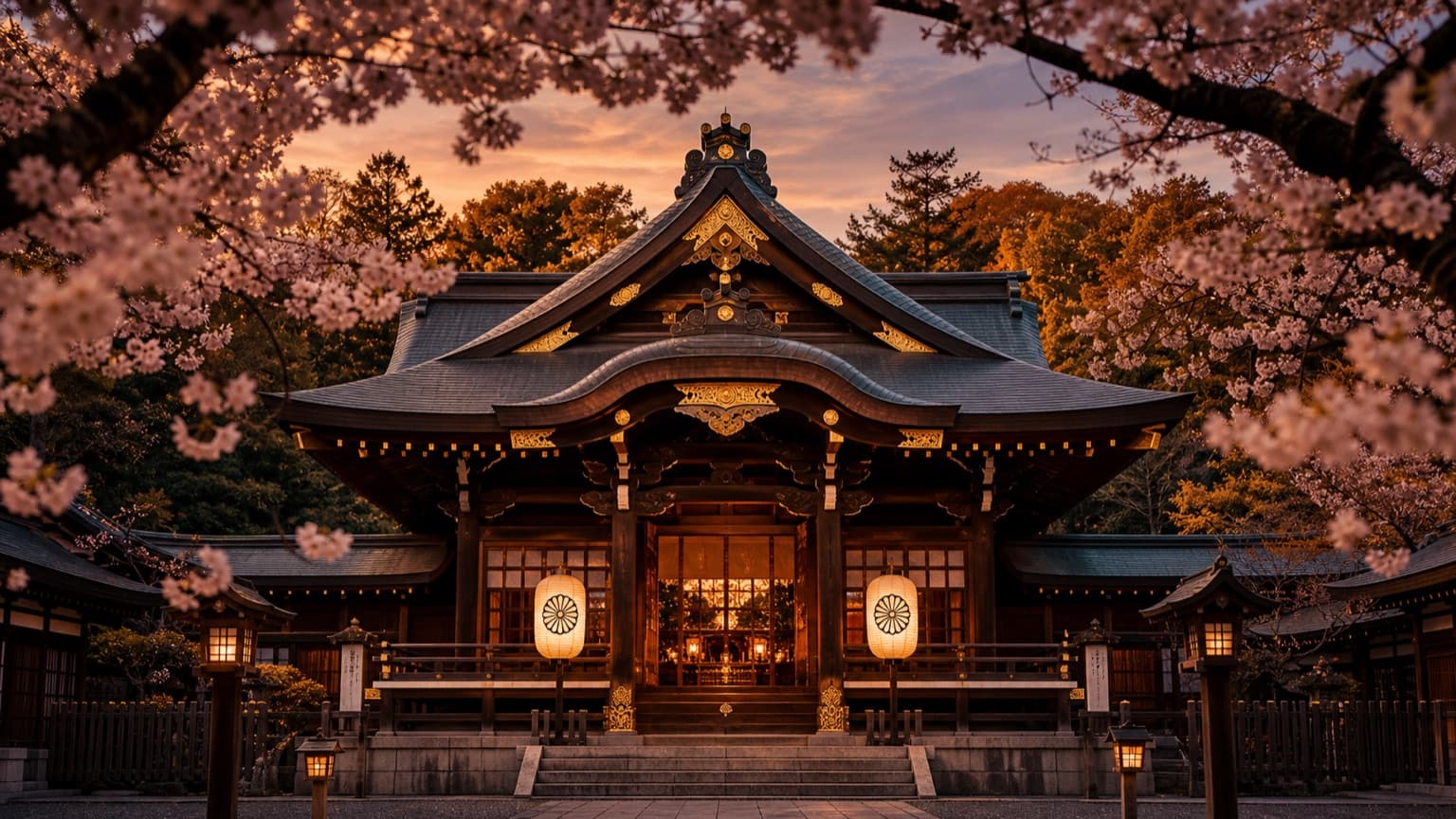
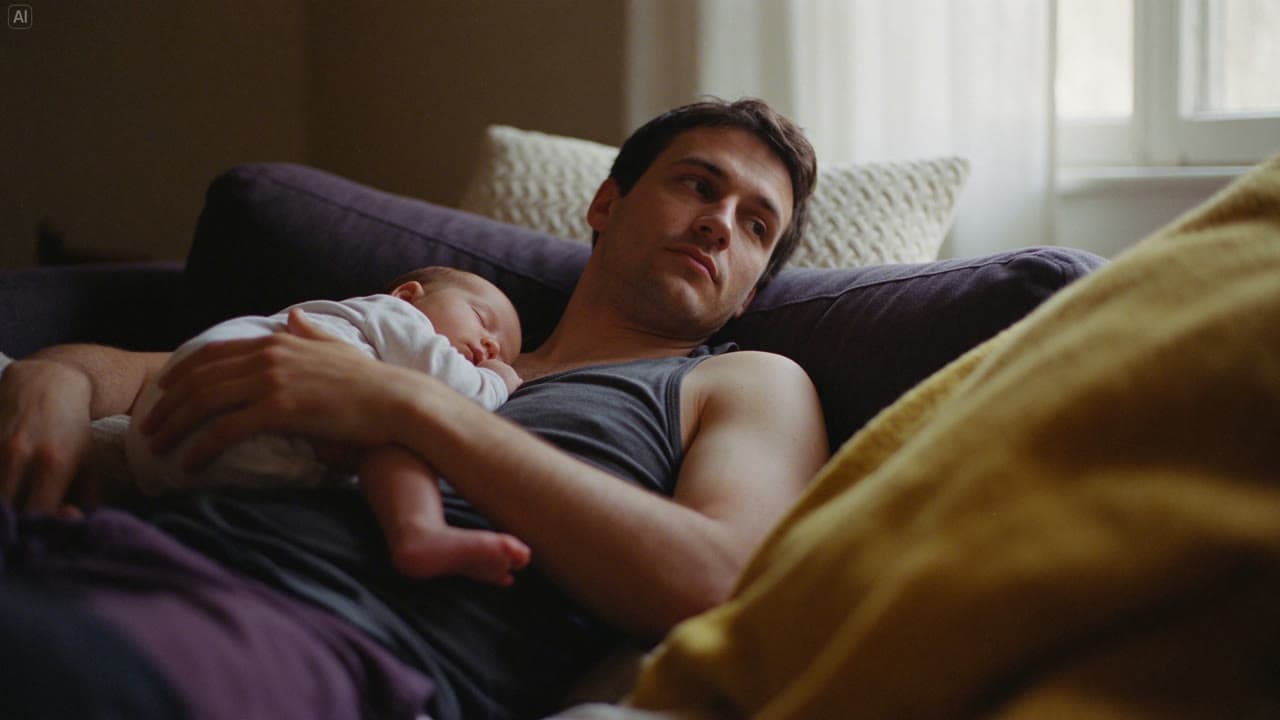
Every sample comes from ByteDance Seed's own Seedream 5.5 release, with its original prompt; we only resized and compressed them
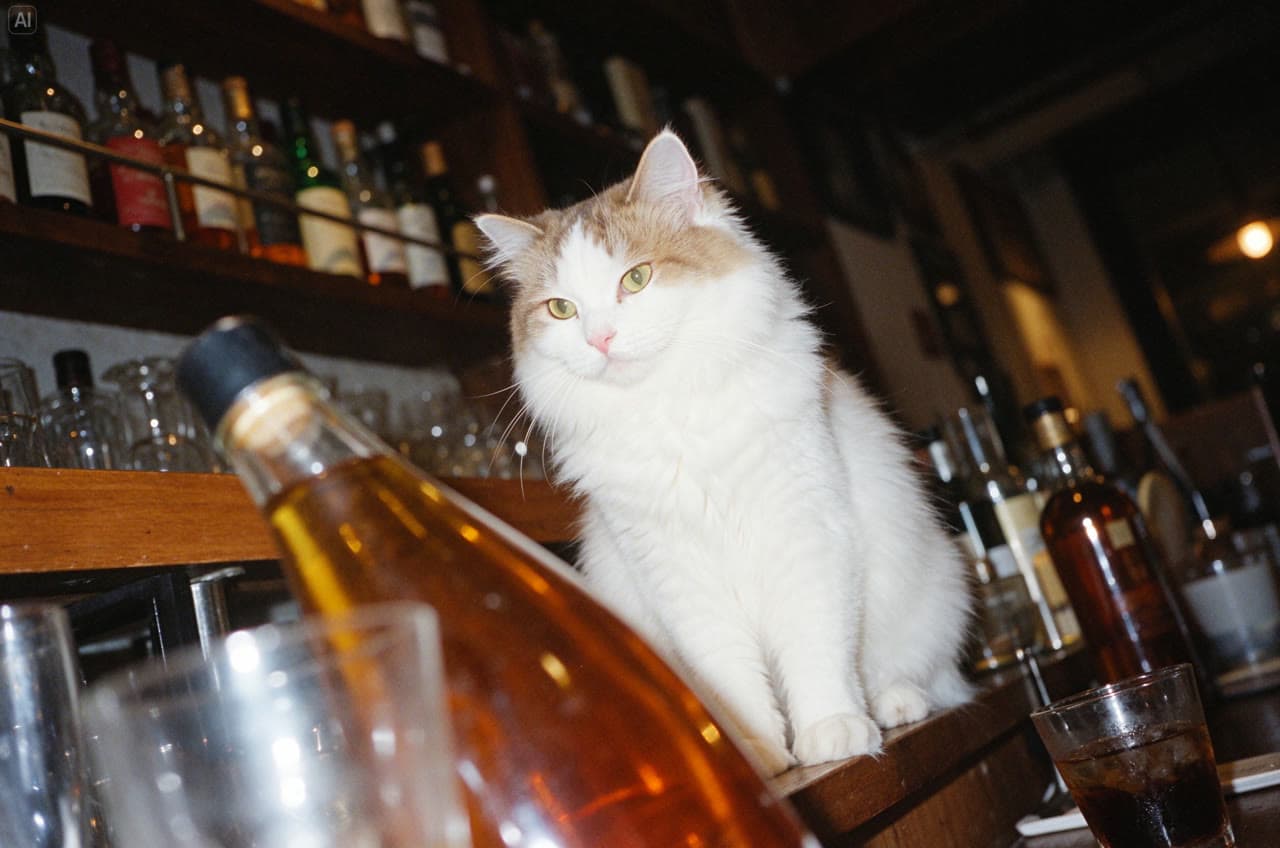
White cat in a bar Prompt
A white cat sits elegantly among bottles and glasses in a bar at night. Shoot from a low angle with a tilted composition, using flash, Fujifilm Provia colors and film grain. Capture dappled light, bright highlights and crisp detail for a vintage photographic feel.
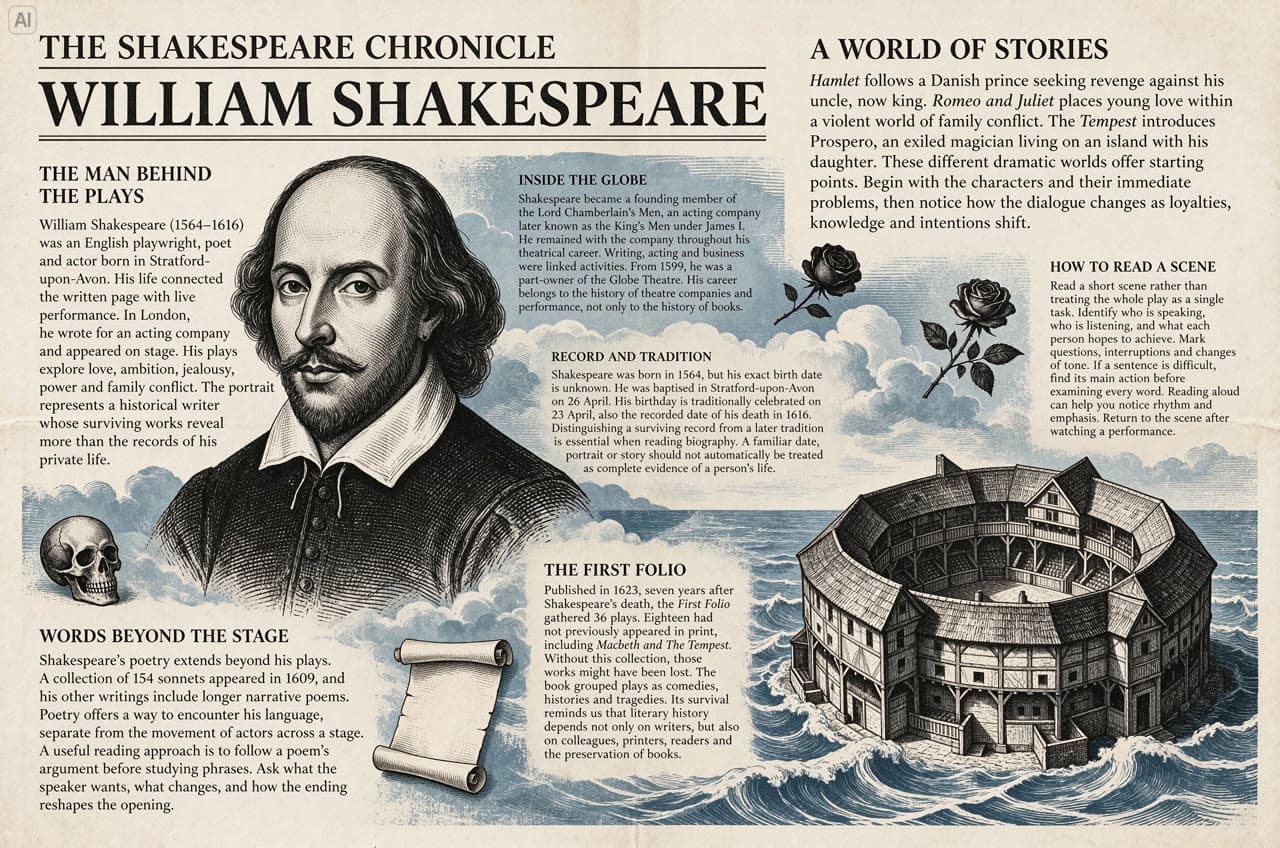
Shakespeare newspaper page Reusing transparent character assets Floral designs edited over many rounds 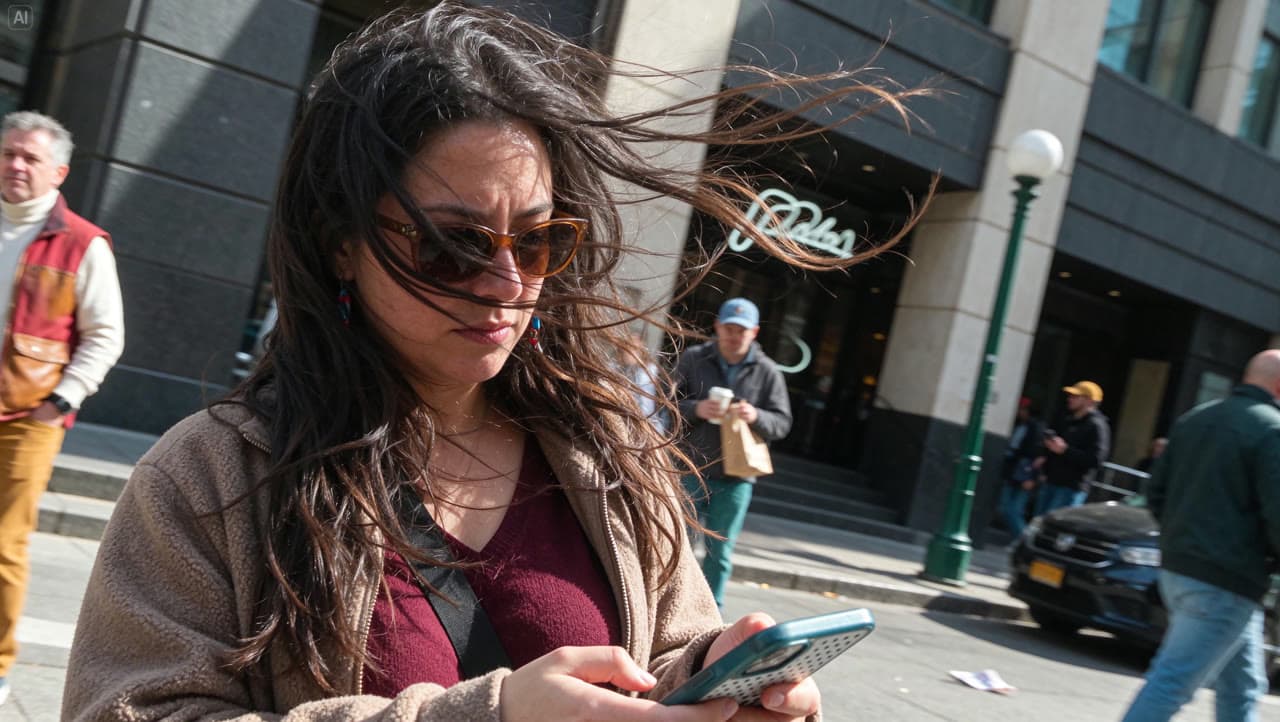
Windy street snapshot Prompt
A candid horizontal street photograph of a long-haired woman in a burgundy top and light brown jacket looking down at her phone. Strong wind sweeps her hair across her sunglasses and face. The entire frame tilts about 25 degrees clockwise, with consistent perspective across the figure, buildings, lamppost and pavement. Natural clothing folds, hurried framing and asymmetric cropping create an unposed everyday moment.
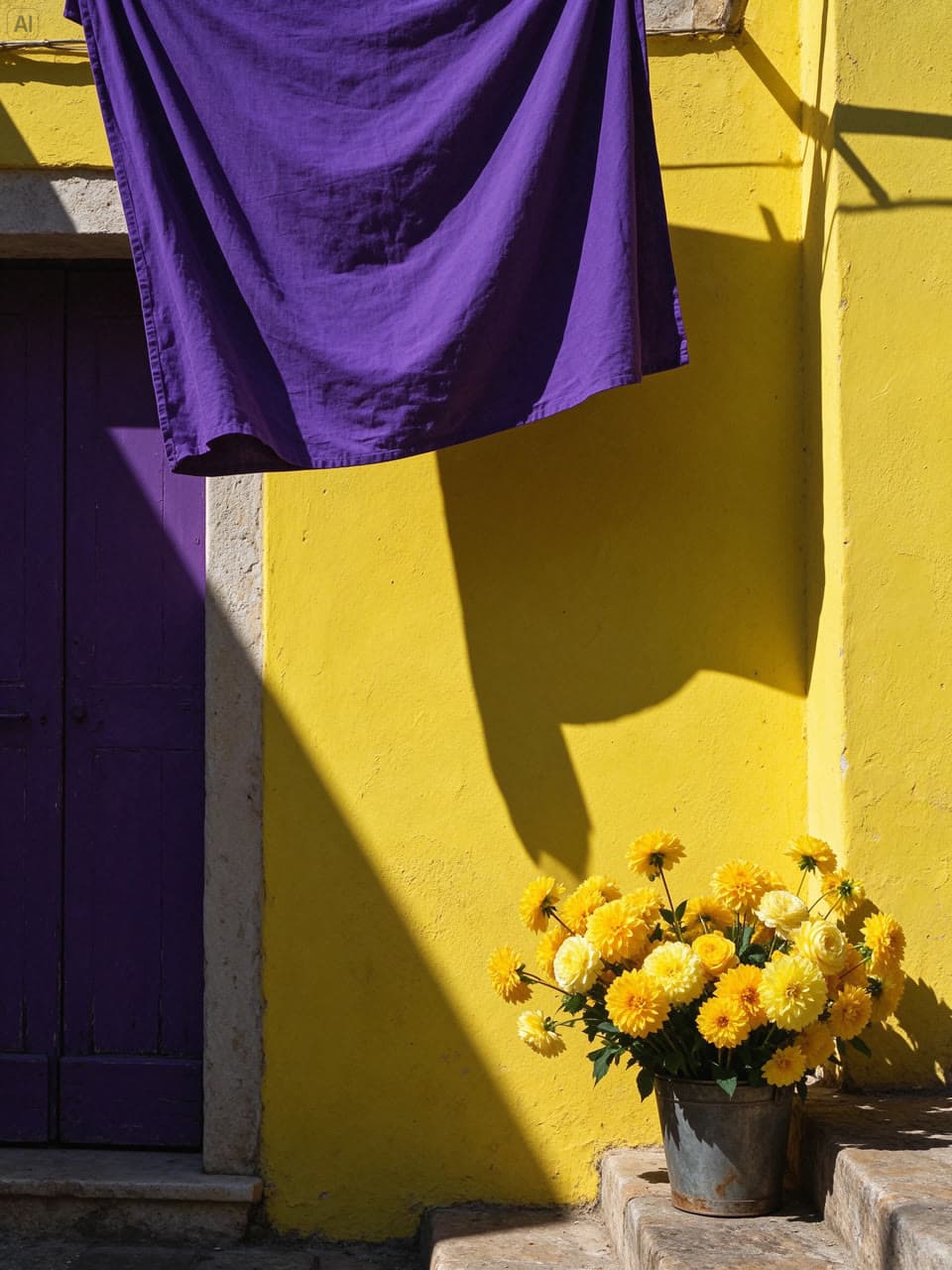
Southern European street corner Prompt
A vertical 3:4 street photograph of a southern European corner. A lemon-yellow limewashed wall, an old deep-purple wooden door and hanging royal-purple linen form a bold geometric composition. Golden flowers fill a weathered metal bucket at the lower right. Strong afternoon sunlight casts crisp shadows, revealing textured plaster, fabric folds, rust and layered petals in vivid complementary purple and yellow.
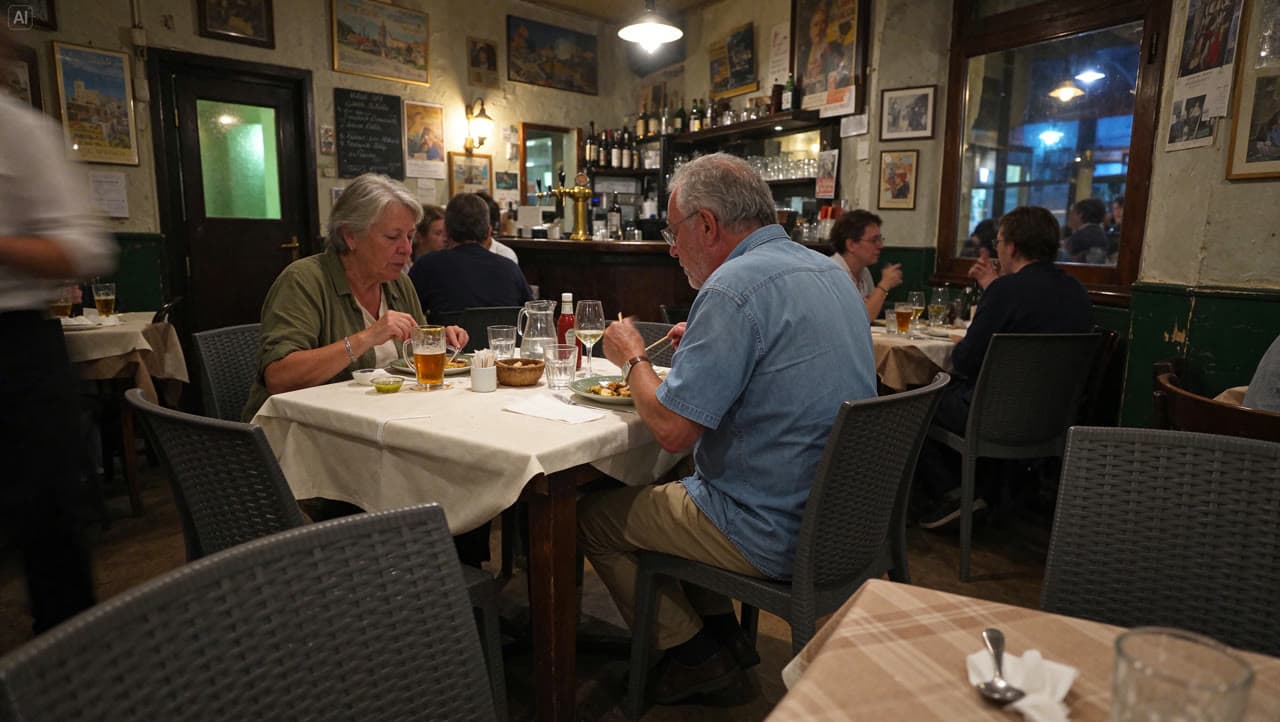
Bistro on a summer evening Prompt
A candid horizontal snapshot inside a neighborhood bistro in Europe on a summer evening. Two older diners eat naturally at a table covered with cream linen, unaware of the camera. Glasses, cutlery, breadcrumbs and worn wooden furniture show everyday use. Warm pendant lights mix with traces of cool evening light. Slight underexposure, subtle high-ISO grain and foreground occlusion create an intimate, spontaneous atmosphere.
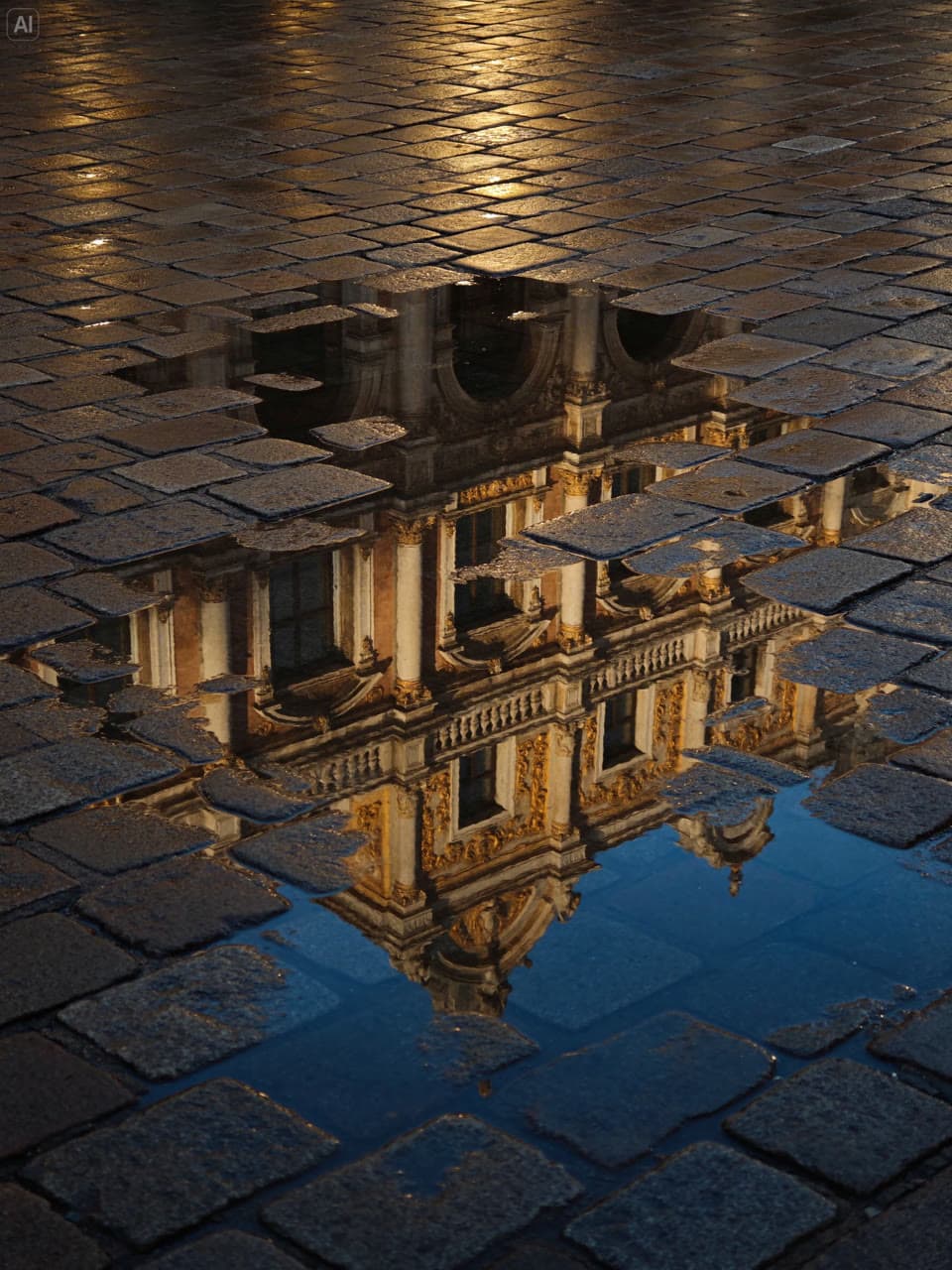
Reflections in a rain puddle Prompt
A vertical 3:4 street photograph after rain, taken from a low angle looking down at wet paving stones and irregular puddles. Reflections of an old building’s golden carvings, window frames and colonnades are fragmented by exposed stones, puddle edges and ripples. Warm golden light contrasts with deep-blue reflections, preserving worn joints and wet surface textures. No full building, people or vehicles appear.
Use the API
Hand the code to a coding agent, generate right in the chat with MCP or the Skill, or integrate yourself with the SDK or the OpenAI-compatible API.
Let a coding agent integrate it
Copy the integration prompt, or open it directly in Codex or Claude. The agent reads this page and the model contract, then writes submit, wait and result handling into your project.
Add the Yir MCP server
Connect it to ChatGPT, Claude or Cursor, then mention @Yir and ask for Seedream 5.5 by name. It quotes first and only generates after you confirm.
https://gateway.yir.ai/mcpOne command for Claude Code
Create an API key in the console, set it as YIR_API_KEY, then run:
claude mcp add --transport http yir https://gateway.yir.ai/mcp --header "Authorization: Bearer $YIR_API_KEY"Install the Yir Skill
Set YIR_API_KEY where your agent runs, add the Skill to Claude Code, Codex or another coding agent, then say “use Seedream 5.5 on Yir to make…”.
npx skills add yir-ai/skillsInstall the official SDK with your package manager, or copy the code snippet below to get started
| import { createNodeYirClient } from "@yir-ai/sdk/server"; |
| // Reads YIR_API_KEY from the environment by default: process.env.YIR_API_KEY |
| const client = createNodeYirClient(); |
| // 1. Submit an image generation job |
| const job = await client.submitImage({ |
| model: "bytedance/seedream-5.5", |
| input: { |
| type: "text", |
| prompt: "Create a citrus sparkling water product poster: a clear glass bottle and fresh oranges, cream background, soft natural light, and a crisp product label", |
| }, |
| parameters: { |
| resolution: "1K", |
| aspect_ratio: "1:1", |
| n: 1, |
| }, |
| }); |
| // 2. Wait for the job to finish and deliver its result |
| const result = await client.waitForJob(job.id); |
| console.log("Delivered files:", result.result); |
| if (result.result && "files" in result.result) { |
| for (const file of result.result.files) { |
| console.log("->", file.url); |
| } |
| } |
Projects already on the OpenAI protocol, or gateways such as new-api, only need a new Base URL and key. OpenAI compatibility guide
- OpenAI SDK base_url
https://gateway.yir.ai/openai/v1- new-api channel Base URL
https://gateway.yir.ai/openai- Key
- Yir API key
- Model ID
bytedance/seedream-5.5
curl https://gateway.yir.ai/openai/v1/images/generations \
  -H "Authorization: Bearer $YIR_API_KEY" \
  -H "Content-Type: application/json" \
  -d '{
    "model": "bytedance/seedream-5.5",
    "prompt": "Create a citrus sparkling water product poster: a clear glass bottle and fresh oranges, cream background, soft natural light, and a crisp product label",
    "resolution": "1K",
    "aspect_ratio": "1:1"
}'Parameter overview
Common parameters; limits depend on the current model and selected channel
- Resolution resolution
- 1K
- 2K
Output resolution tier. Higher resolutions offer sharper pixel fidelity and scale pricing accordingly
- Aspect ratio aspect_ratio
- 1:1
- 4:3
- 3:4
- 16:9
- 9:16
- 3:2
- 2:3
- 2:1
- 1:2
- 21:9
Geometric aspect ratio. Choose according to target medium (portrait, banner, or square)
- Input mode input_mode
- Text input
- Image input
Reference limits and formats depend on the model and selected channel
- References references
- reference_image ≤ 10
Reference limits across input modes depend on the selected channel. Counts in the price table are examples, not input limits or free allowances.