MiniMax H3 Image API
MiniMax's open-weight image model: native 4K up to 17 megapixels, and edits from up to 16 reference images
- 1K
- KIE $0.0115 / image
- Official
≈$0.031263%–72% less - 2K
- KIE $0.0115 / image
- Official
≈$0.032865%–72% less - 4K
- KIE $0.03 / image
- Official
≈$0.078262%–69% less


MiniMax H3 Image API pricing per image
KIE charges a flat price per tier, about 40% of MiniMax's list price, plus $0.0025 for each reference image. The official price is a token-based estimate and leaves out MiniMax's launch-week 50% off 4K
By default Yir sends each job to the eligible channel with the lowest estimated price. If an attempt is confirmed failed, it retries on another channel within your max_cost. No routing parameters needed in your request. Routing and fallback docs
Pricing notes
Billed by the channel that actually runs the job. Failover may switch channels, which can change cost and time.
Native 4K, with the weights out in the open
Open weights that fit one 16 GB card
The weights are on Hugging Face; one tester rendered 16 MP images on a single 16 GB RTX 5080, streaming the rest from system memory
Scored highest on text and design
An independent 600-prompt test at 16 MP averaged 3.94 out of 5 from an AI grader
- Text & design
- 4.36
- People
- 4.22
- Commercial
- 3.56
- Info design
- 3.56
Sample generations
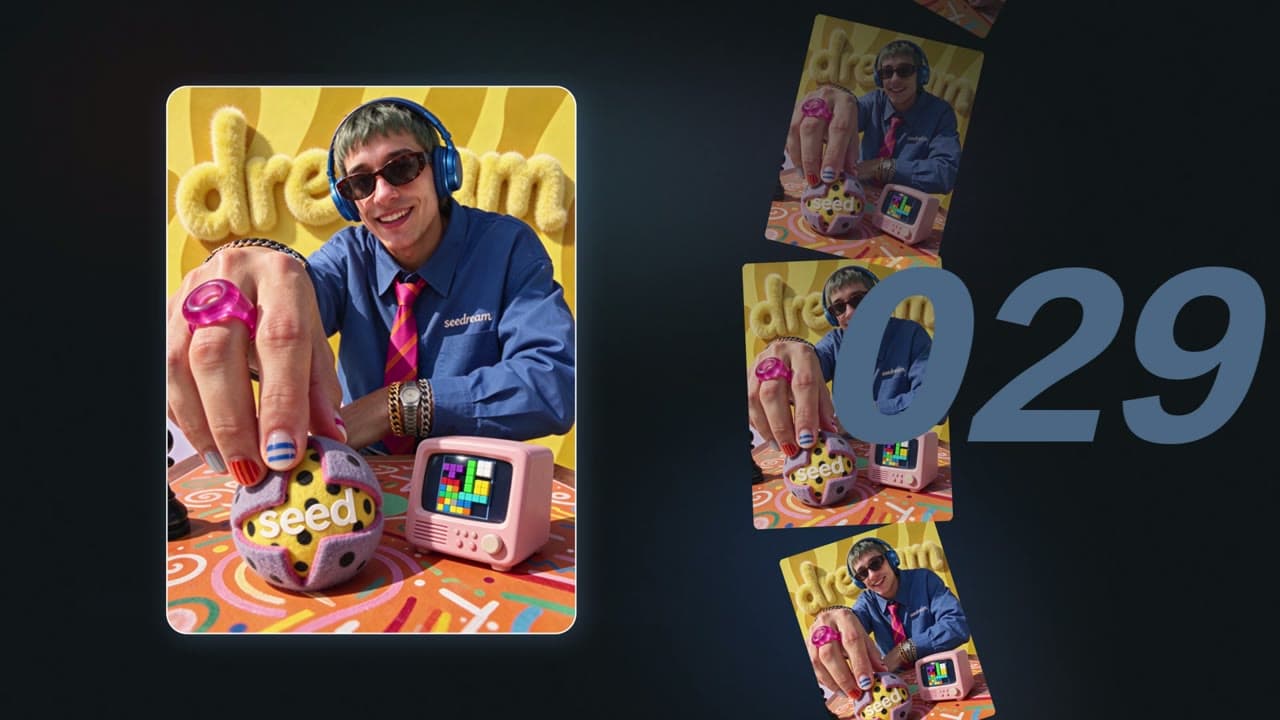
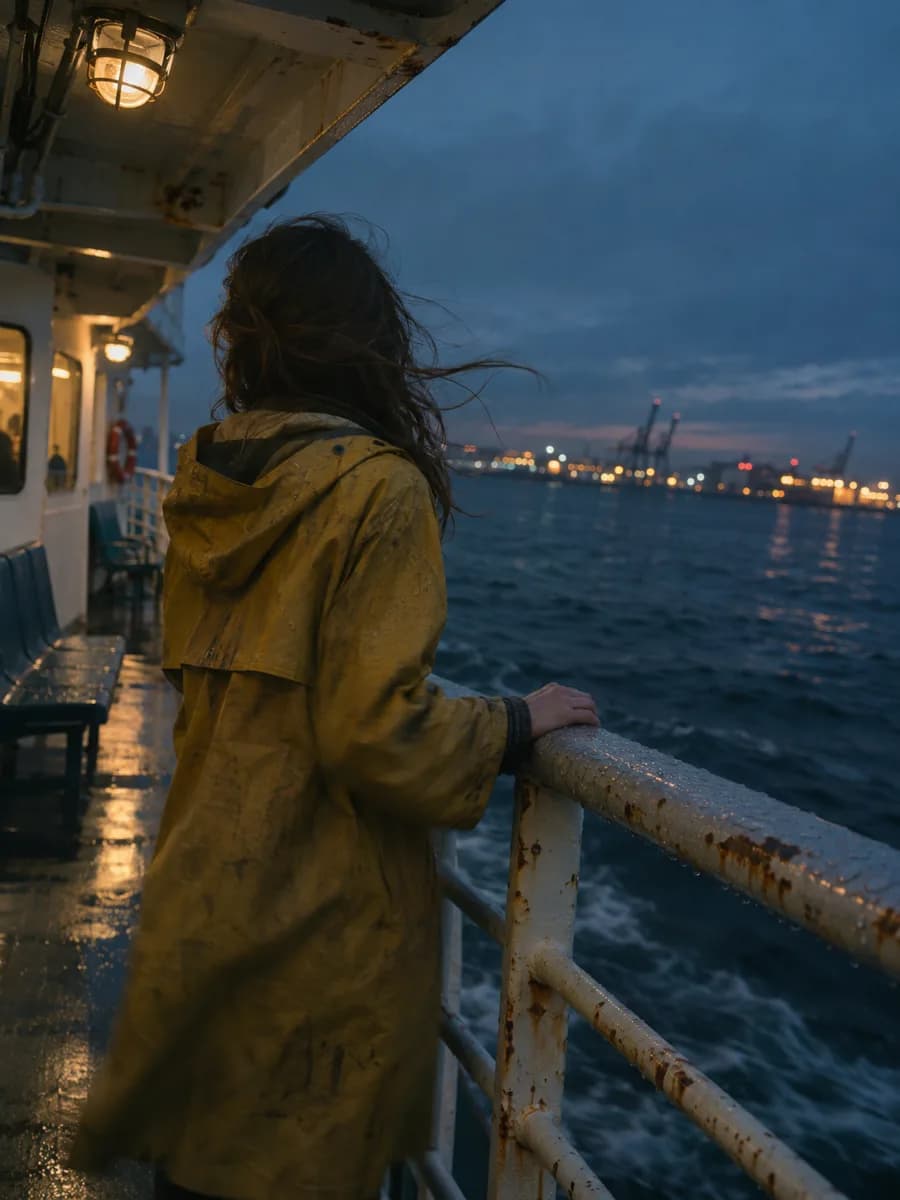
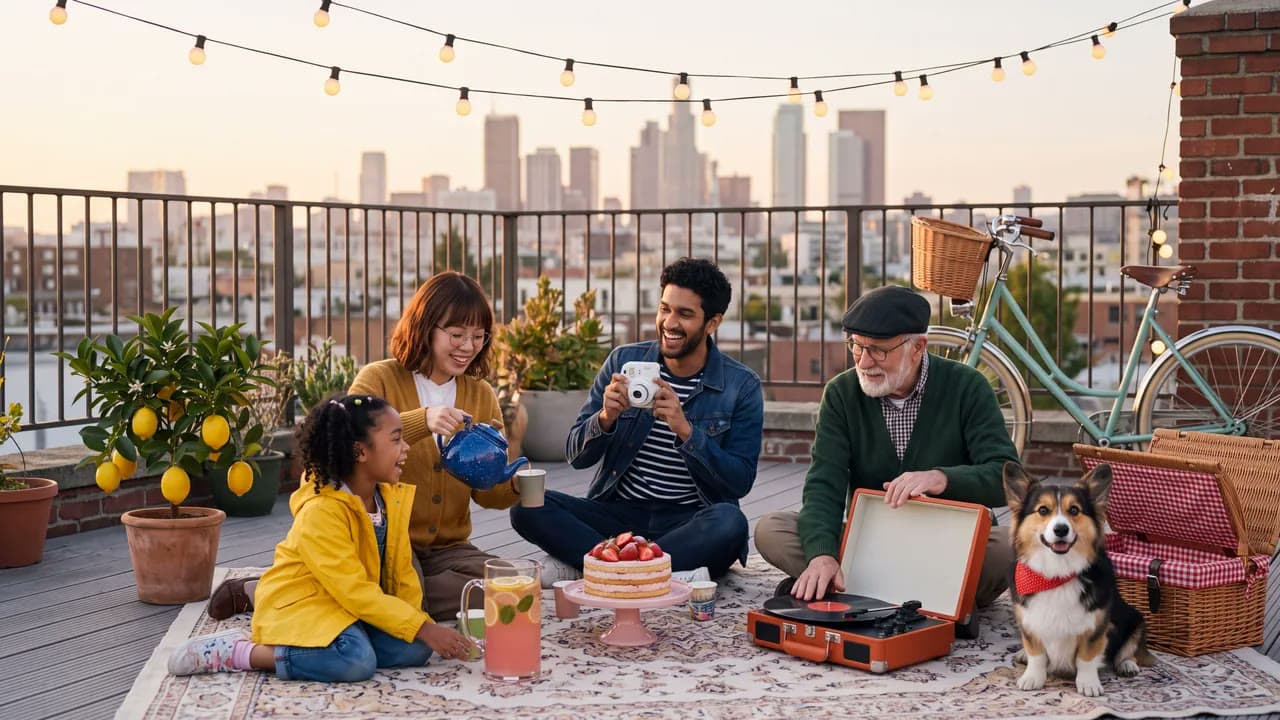
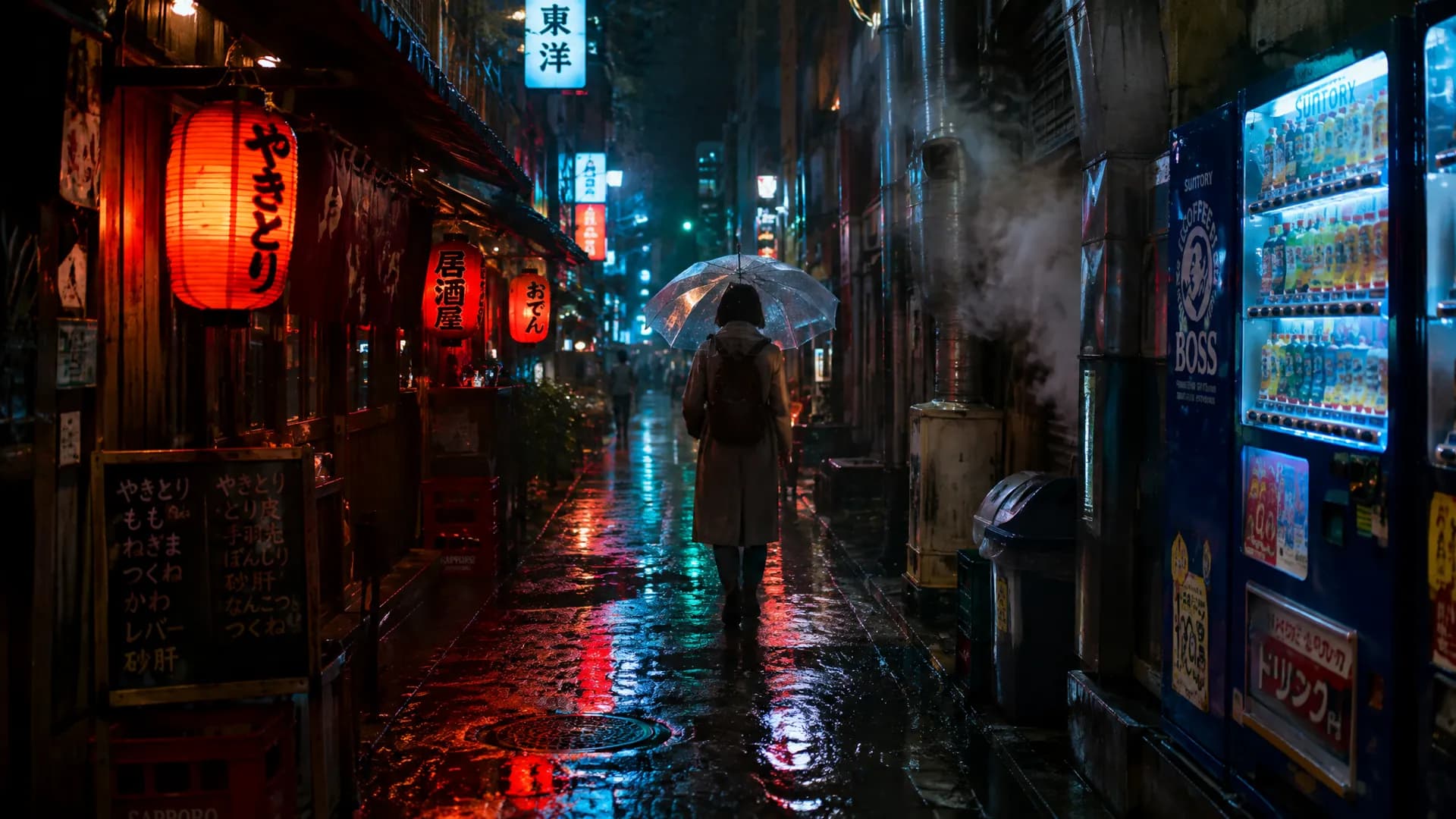
Every image here was generated by MiniMax H3 Image. Open one to try its original prompt in the playground
Crop to 100% and it still holds up
Each tile is a 1:1 pixel crop of a 4K original above, about 7% of the full image
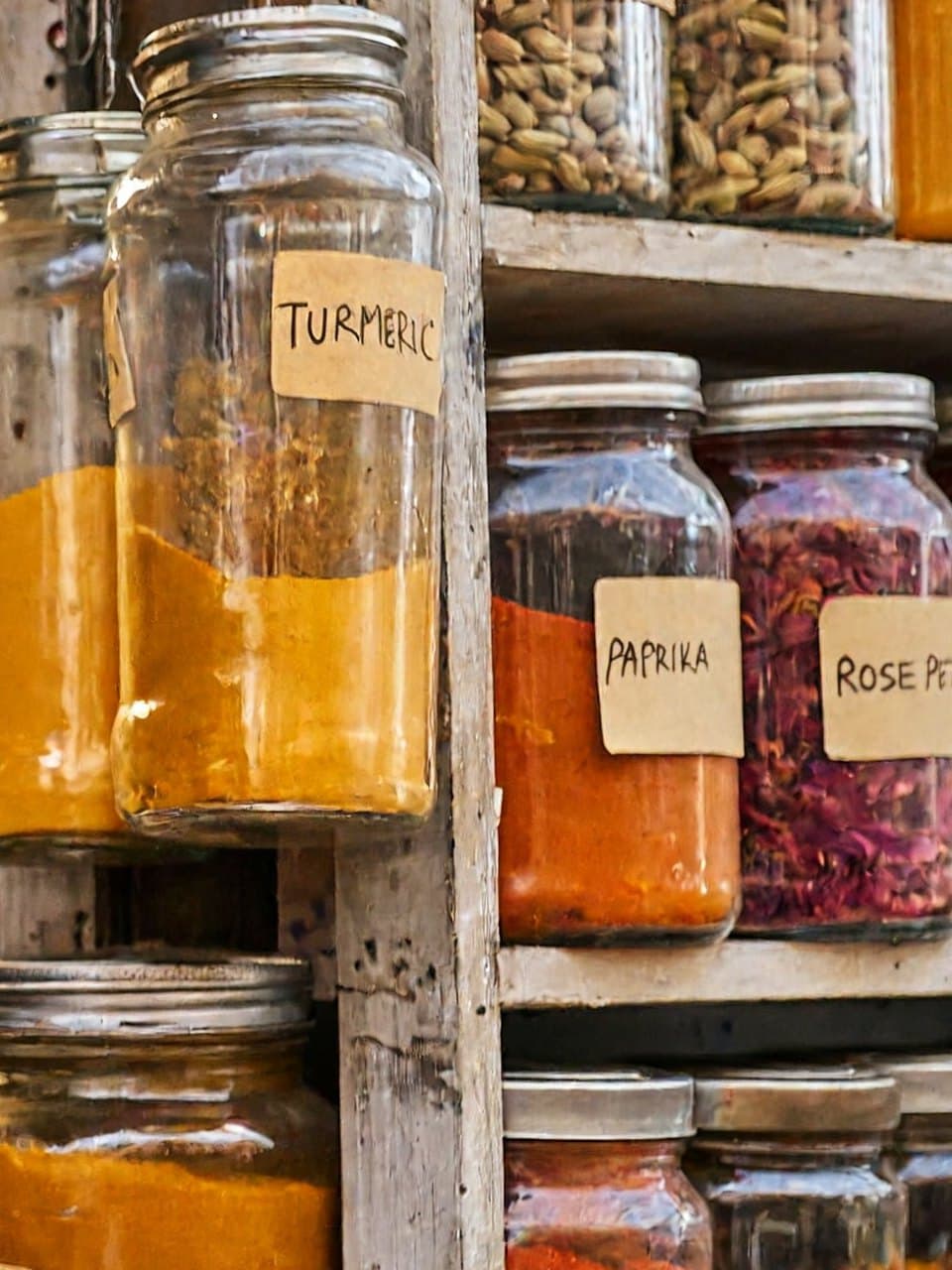
Handwritten spice labels
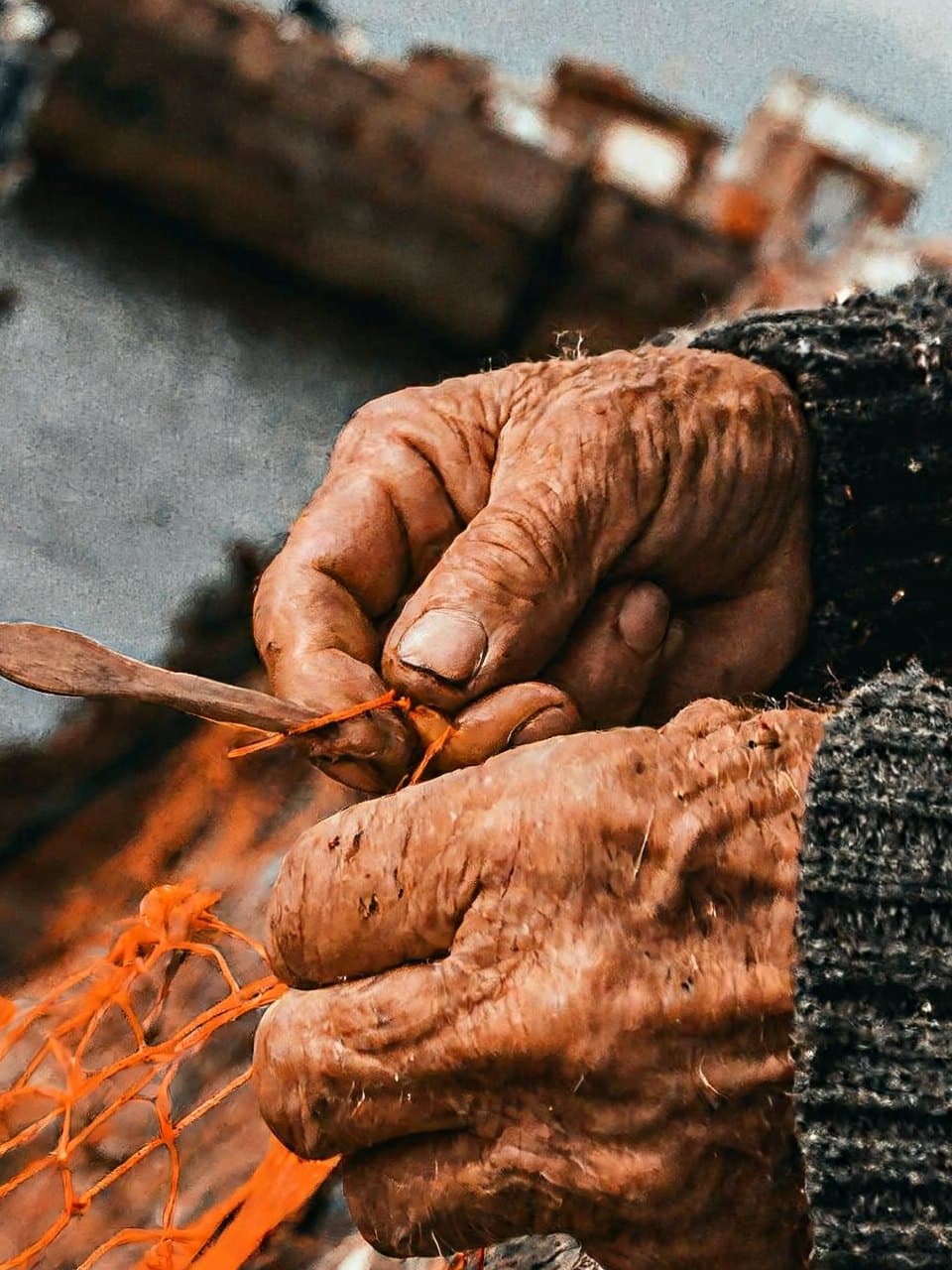
Weathered hands on the net
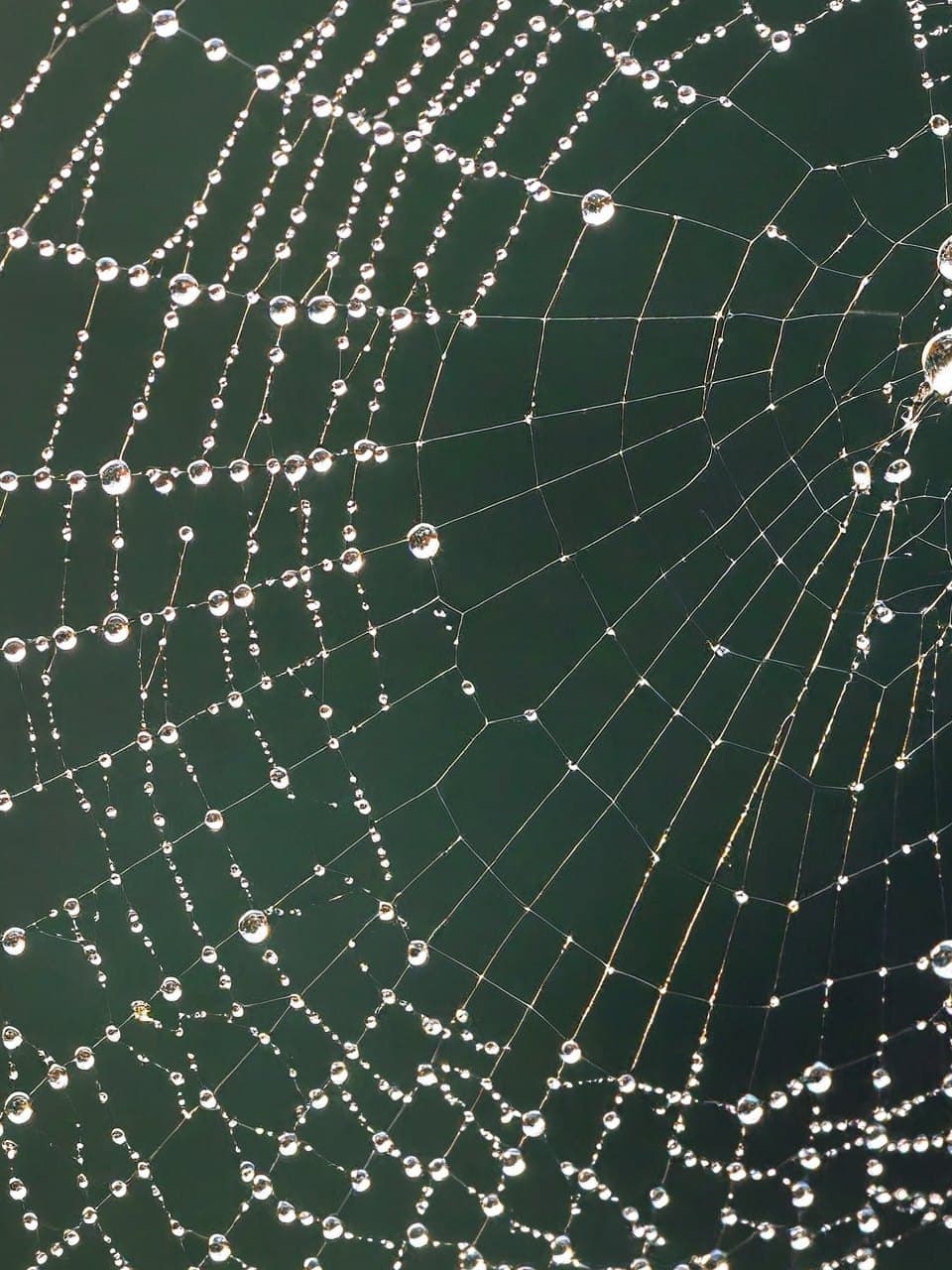
Dew drops along the web
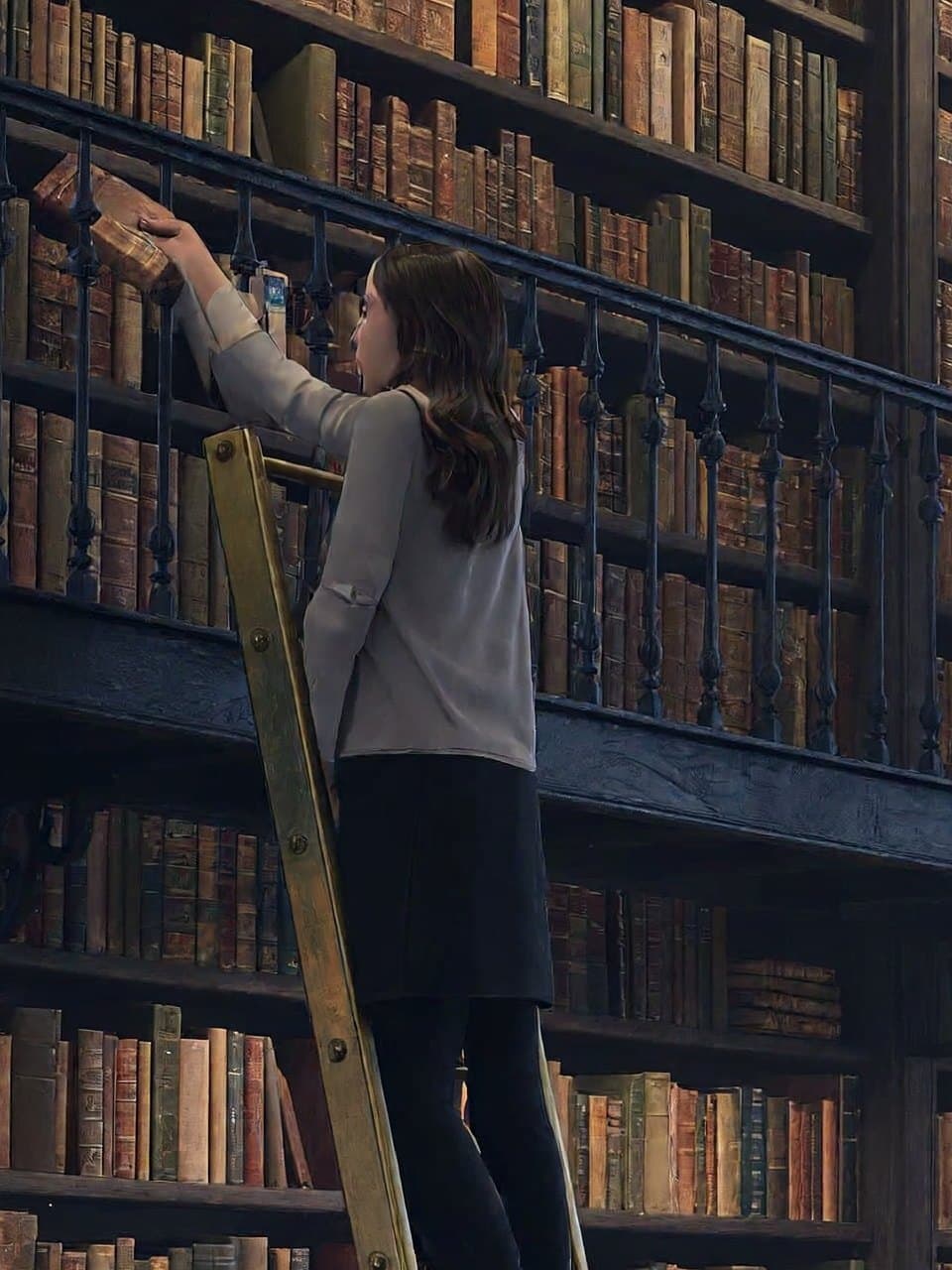
Reaching for a book on the ladder
Use the API
Hand the code to a coding agent, generate right in the chat with MCP or the Skill, or integrate yourself with the SDK or the OpenAI-compatible API.
Let a coding agent integrate it
Copy the integration prompt, or open it directly in Codex or Claude. The agent reads this page and the model contract, then writes submit, wait and result handling into your project.
Add the Yir MCP server
Connect it to ChatGPT, Claude or Cursor, then mention @Yir and ask for MiniMax H3 Image by name. It quotes first and only generates after you confirm.
https://gateway.yir.ai/mcpOne command for Claude Code
Create an API key in the console, set it as YIR_API_KEY, then run:
claude mcp add --transport http yir https://gateway.yir.ai/mcp --header "Authorization: Bearer $YIR_API_KEY"Install the Yir Skill
Set YIR_API_KEY where your agent runs, add the Skill to Claude Code, Codex or another coding agent, then say “use MiniMax H3 Image on Yir to make…”.
npx skills add yir-ai/skillsInstall the official SDK with your package manager, or copy the code snippet below to get started
| import { createNodeYirClient } from "@yir-ai/sdk/server"; |
| // Reads YIR_API_KEY from the environment by default: process.env.YIR_API_KEY |
| const client = createNodeYirClient(); |
| // 1. Submit an image generation job |
| const job = await client.submitImage({ |
| model: "minimax/minimax-h3-image", |
| input: { |
| type: "text", |
| prompt: "Create a citrus sparkling water product poster: a clear glass bottle and fresh oranges, cream background, soft natural light, and a crisp product label", |
| }, |
| parameters: { |
| resolution: "4K", |
| aspect_ratio: "1:1", |
| n: 1, |
| }, |
| }); |
| // 2. Wait for the job to finish and deliver its result |
| const result = await client.waitForJob(job.id); |
| console.log("Delivered files:", result.result); |
| if (result.result && "files" in result.result) { |
| for (const file of result.result.files) { |
| console.log("->", file.url); |
| } |
| } |
Projects already on the OpenAI protocol, or gateways such as new-api, only need a new Base URL and key. OpenAI compatibility guide
- OpenAI SDK base_url
https://gateway.yir.ai/openai/v1- new-api channel Base URL
https://gateway.yir.ai/openai- Key
- Yir API key
- Model ID
minimax/minimax-h3-image
curl https://gateway.yir.ai/openai/v1/images/generations \
  -H "Authorization: Bearer $YIR_API_KEY" \
  -H "Content-Type: application/json" \
  -d '{
    "model": "minimax/minimax-h3-image",
    "prompt": "Create a citrus sparkling water product poster: a clear glass bottle and fresh oranges, cream background, soft natural light, and a crisp product label",
    "resolution": "4K",
    "aspect_ratio": "1:1"
}'Parameter overview
Common parameters; limits depend on the current model and selected channel
- Resolution resolution
- 1K
- 2K
- 4K
Output resolution tier. Higher resolutions offer sharper pixel fidelity and scale pricing accordingly
- Aspect ratio aspect_ratio
- 1:1
- 2:3
- 3:2
- 3:4
- 4:3
- 4:5
- 5:4
- 9:16
- 16:9
- 21:9
Geometric aspect ratio. Choose according to target medium (portrait, banner, or square)
- Input mode input_mode
- Text input
- Image input
Reference limits and formats depend on the model and selected channel
- References references
- reference_image ≤ 16
Reference limits across input modes depend on the selected channel. Counts in the price table are examples, not input limits or free allowances.