Veo 3.1 Lite API
Google's lightweight video model for text and first-frame generation, with landscape or portrait output and optional native audio.
- 720p · no audio
- Google $0.03 / second
- 1080p · no audio
- Google $0.05 / second
- 1080p · audio
- Google $0.08 / second
- 4s · 720p · audio
- KIE $0.0188 / second
- Official
$0.0563% less


Compare prices
Compare public channel prices for the same output specification
| Output specification | Providers | Published provider price | Typical time | Try it |
|---|---|---|---|---|
720p · no audio | GoogleOfficial | $0.0300 / second | Try it | |
NanoAPI | $0.0585 / second95% more | Try it | ||
1080p · no audio | GoogleOfficial | $0.05 / second | Try it | |
1080p · audio | GoogleOfficial | $0.08 / second | Try it | |
4s · 720p · audio | GoogleOfficial | $0.0500 / second | Try it | |
NanoAPI | $0.0585 / second17% more | Try it | ||
KIE | $0.0188 / second63% less Typical time 1 min | 1 min | Try it | |
6s · 720p · audio | GoogleOfficial | $0.0500 / second | Try it | |
NanoAPI | $0.0585 / second17% more | Try it | ||
KIE | $0.0125 / second75% less Typical time 1 min | 1 min | Try it | |
8s · 720p · audio | GoogleOfficial | $0.0500 / second | Try it | |
NanoAPI | $0.0585 / second17% more | Try it | ||
KIE | $0.0094 / second81% less Typical time 1 min | 1 min | Try it |

Automatic routing and failover
Call Veo 3.1 Lite with one model ID and Yir picks the channel for each job from Google, NanoAPI, and KIE: it goes to the eligible channel with the lowest estimated price and is billed at that channel's public price, with no markup. If an attempt is confirmed failed, Yir retries on another channel within your max_cost. No routing parameters needed in your request. Routing and fallback docs
Pricing notes
Billed by the channel that actually runs the job. Failover may switch channels, which can change cost and time.
Use the API
Hand the code to a coding agent, generate right in the chat with MCP or the Skill, or integrate yourself with the SDK or the OpenAI-compatible API.
Let a coding agent integrate it
Copy the integration prompt, or open it directly in Codex or Claude. The agent reads this page and the model contract, then writes submit, wait and result handling into your project.
Add the Yir MCP server
Connect it to ChatGPT, Claude or Cursor, then mention @Yir and ask for Veo 3.1 Lite by name. It quotes first and only generates after you confirm.
https://gateway.yir.ai/mcpOne command for Claude Code
Create an API key in the console, set it as YIR_API_KEY, then run:
claude mcp add --transport http yir https://gateway.yir.ai/mcp --header "Authorization: Bearer $YIR_API_KEY"Install the Yir Skill
Set YIR_API_KEY where your agent runs, add the Skill to Claude Code, Codex or another coding agent, then say “use Veo 3.1 Lite on Yir to make…”.
npx skills add yir-ai/skillsInstall the official SDK with your package manager, or copy the code snippet below to get started
| import { createNodeYirClient } from "@yir-ai/sdk/server"; |
| // Reads YIR_API_KEY from the environment by default: process.env.YIR_API_KEY |
| const client = createNodeYirClient(); |
| // 1. Submit a video generation job |
| const job = await client.submitVideo({ |
| model: "google/veo-3.1-lite-generate-001", |
| input: { |
| type: "text", |
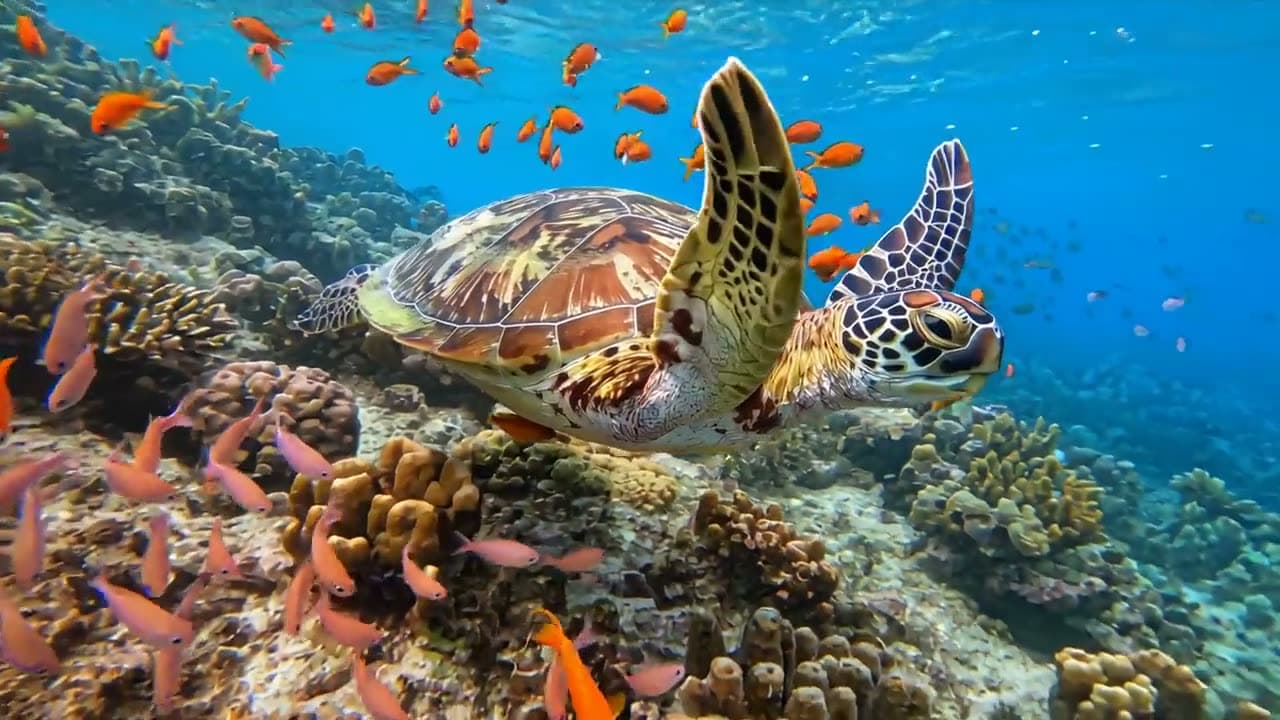
| prompt: "A sea turtle swims slowly over a coral reef. The camera tracks smoothly from the side as sunlight filters through clear water, casting moving patterns across its shell", |
| }, |
| parameters: { |
| duration: 8, |
| resolution: "720p", |
| aspect_ratio: "16:9", |
| generate_audio: true, |
| n: 1, |
| }, |
| }); |
| // 2. Wait for the job to finish and deliver its result |
| const result = await client.waitForJob(job.id); |
| console.log("Delivered files:", result.result); |
| if (result.result && "files" in result.result) { |
| for (const file of result.result.files) { |
| console.log("->", file.url); |
| } |
| } |
Projects already on the OpenAI protocol, or gateways such as new-api, only need a new Base URL and key. OpenAI compatibility guide
- OpenAI SDK base_url
https://gateway.yir.ai/openai/v1- new-api channel Base URL
https://gateway.yir.ai/openai- Key
- Yir API key
- Model ID
google/veo-3.1-lite-generate-001
curl https://gateway.yir.ai/openai/v1/videos \
  -H "Authorization: Bearer $YIR_API_KEY" \
  -H "Content-Type: application/json" \
  -d '{
    "model": "google/veo-3.1-lite-generate-001",
    "prompt": "A sea turtle swims slowly over a coral reef. The camera tracks smoothly from the side as sunlight filters through clear water, casting moving patterns across its shell",
    "resolution": "720p",
    "aspect_ratio": "16:9",
    "seconds": "8"
}'Parameter overview
Common parameters; limits depend on the current model and selected channel
- Resolution resolution
- 720p
- 1080p
Output resolution tier. Higher resolutions offer sharper pixel fidelity and scale pricing accordingly
- Aspect ratio aspect_ratio
- 16:9
- 9:16
Geometric aspect ratio. Choose according to target medium (portrait, banner, or square)
- Input mode input_mode
- Text input
- Image input
Reference limits and formats depend on the model and selected channel
- Duration duration
- 4 seconds
- 6 seconds
- 8 seconds
Video output duration tier, billed per second or stepped tier
- Audio generate_audio
- Optional
Optional synchronized native audio generation track
- References references
- first_frame ≤ 1
Reference limits across input modes depend on the selected channel. Counts in the price table are examples, not input limits or free allowances.